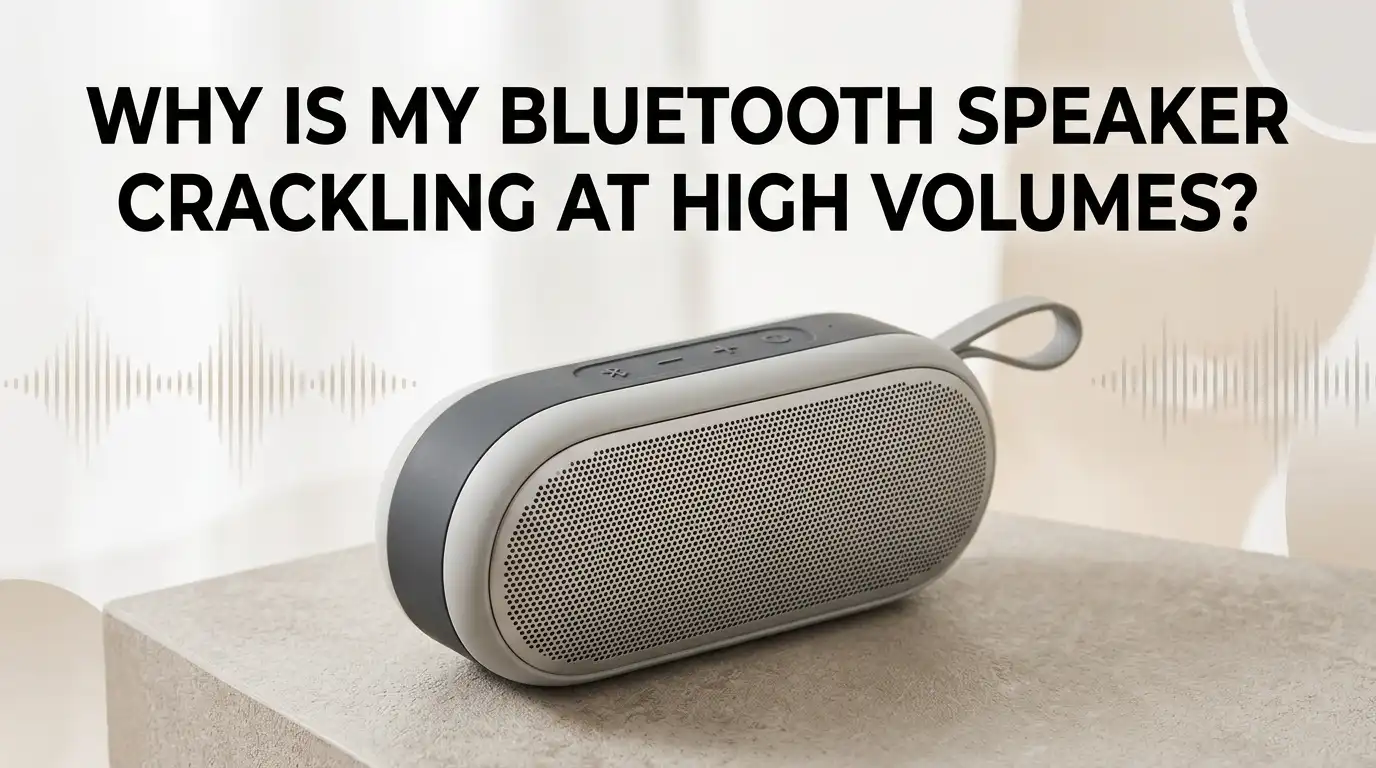
Why Is My Bluetooth Speaker Crackling at High Volumes?
Few things ruin a good music session faster than a Bluetooth speaker that crackles, pops, or distorts the moment you push the volume up.
One minute you are enjoying your favorite track, and the next you hear that ugly buzzing noise eating into every beat. The good news is that this problem is rarely as serious as it sounds.
You can usually fix them in a few minutes without any special tools. This guide walks you through every possible reason your speaker crackles at high volumes, and gives you clear steps to fix each one.
Key Takeaways
- Overdriving the speaker is the top cause. Pushing the volume past the speaker’s safe limit forces the cone to move beyond its range, which creates that crackling pop you hear at high volumes.
- Bluetooth interference often hides the real issue. Other wireless devices, walls, and even microwaves can weaken your signal. A weak stream causes audio dropouts that sound like crackling.
- Low battery power changes how your speaker performs. Many speakers reduce amplifier output when the battery dips low. This causes distortion that gets worse as the charge drops.
- Source device volume matters more than you think. Setting your phone to max volume while keeping the speaker low (or the opposite) creates clipping. Balanced volume levels almost always sound cleaner.
- Audio codecs and equalizer settings affect clarity. A heavy bass boost on a small speaker forces the driver to do work it cannot handle. Turning off bass boost often fixes crackling instantly.
- Physical damage is possible but less common. A blown driver, loose wire, or torn cone will crackle at any volume, not just high ones. This usually needs repair or replacement.
What Causes a Bluetooth Speaker to Crackle at High Volumes
Crackling at high volumes usually points to one of three things. The speaker is being pushed past its power limit, the Bluetooth signal is dropping out, or the audio file itself is distorted. Each cause sounds slightly different, so identifying the type of crackle helps you fix it faster.
A steady buzz or rattle that gets worse as you raise the volume points to overdriven drivers. A sudden pop or static burst that comes and goes usually means signal interference.
A constant scratchy sound at all volumes often points to a hardware problem inside the speaker. Knowing which one you hear sets the direction for the rest of your troubleshooting.
Check the Volume Balance Between Your Phone and Speaker
This is the simplest fix and the one most people skip. Your phone and your speaker each have their own volume levels, and they need to work together. If your phone is maxed out and the speaker is at 50 percent, the audio signal gets clipped before it even reaches the driver.
Set your phone to about 75 percent volume and let the speaker do the heavy lifting. This gives you a clean, undistorted signal.
Pros: This fix takes seconds and works on every speaker brand. Cons: You may need to experiment to find the sweet spot for each speaker, since every model handles signal levels differently. Try a few combinations and find the one that sounds cleanest.
Move Closer to Reduce Bluetooth Interference
Bluetooth signals travel through the air at 2.4 GHz, the same frequency used by Wi-Fi routers, microwaves, baby monitors, and many other devices.
When the signal weakens or competes for space, your speaker receives incomplete audio data. This shows up as crackling, popping, or short dropouts.
Bring your phone within three to five feet of the speaker and remove anything blocking the path. Walls, metal objects, and even your own body can block the signal.
Pros: Moving closer is free and gives instant results. Cons: It limits how you can use your speaker around the house. If you need more range, consider upgrading to a speaker that supports Bluetooth 5.0 or higher, which handles distance and obstacles much better than older versions.
Charge Your Speaker Fully Before Loud Playback
Many people do not realize that battery level affects sound quality. When the battery drops below 20 percent, the amplifier inside your speaker cannot deliver clean peaks.
The speaker tries to play loud sounds but runs out of power mid note, which creates a crackling or fluttering noise.
Plug your speaker in and let it reach full charge before playing music at high volumes. Some speakers also sound better when used while plugged in, since they draw power directly from the wall.
Pros: A full charge restores normal performance with no settings to change. Cons: Older batteries lose capacity over time, so even a full charge may not last as long. If your speaker is more than three years old, battery wear could be the underlying issue.
Turn Off Bass Boost and Reduce Heavy EQ Settings
Small Bluetooth speakers cannot produce deep bass the way large home systems can. When you turn on bass boost or push the low end on an equalizer, the driver tries to move air it physically cannot move. The result is a crackling or farting sound at high volumes.
Open your music app or phone settings and switch off any bass boost, equalizer presets, or 3D sound features. Keep the EQ flat for the cleanest output.
Pros: This fix often eliminates crackling instantly and protects your speaker from damage. Cons: Some music genres lose a bit of warmth without bass enhancement. If you want fuller sound, raise the midrange frequencies slightly instead of pushing the bass beyond what the speaker can handle.
Reconnect or Forget and Repair Your Bluetooth Device
A corrupted Bluetooth pairing can cause audio packets to arrive incomplete or out of order. This shows up as crackling, especially when the speaker is pushed harder. Resetting the connection clears any stored errors between the two devices.
Go to your phone’s Bluetooth settings, tap on the speaker, and choose Forget or Unpair. Restart both your phone and the speaker. Then pair them again from scratch.
Pros: This solves many software glitches that build up over time. Cons: You may need to repair other devices that were linked to the speaker before. Keep your speaker’s manual handy in case you need to enter pairing mode using a specific button combination.
Update Your Phone, App, and Speaker Firmware
Outdated software causes more Bluetooth issues than most people expect. Phone manufacturers regularly patch audio bugs, and many speaker brands push firmware updates through their companion apps. Running old software can introduce crackling that newer versions have already fixed.
Check your phone’s system update menu and install any pending updates. Then open your speaker’s app, such as JBL Portable, Sony Music Center, or Bose Connect, and look for firmware updates.
Pros: Updates often improve sound quality and add new features. Cons: Some updates introduce new bugs, so check user reviews before updating. Always charge your speaker fully before starting a firmware update, since a power loss during the process can permanently damage the device.
Switch to a Different Audio Codec If Available
Bluetooth uses codecs to compress and send audio. The basic SBC codec is universal but lower quality, while AAC, aptX, and LDAC offer better sound. If your phone and speaker use mismatched codecs, the audio can sound distorted or crackly at high volumes.
On Android phones, you can change the codec inside Developer Options. Tap on Bluetooth Audio Codec and try different options to see which one sounds cleanest.
Pros: A better codec gives clearer audio with less compression artifact. Cons: Not all speakers support the higher quality codecs, and developer settings can be confusing for new users. iPhone users cannot manually change codecs, since iOS picks the best available one automatically based on the speaker’s capability.
Reset Your Bluetooth Speaker to Factory Settings
When nothing else works, a factory reset clears all stored settings, pairing history, and software glitches. This is like giving your speaker a fresh start.
Most speakers have a specific button combination for this, usually involving the power and volume buttons held together for several seconds.
Look up your speaker model’s reset procedure in the manual or on the manufacturer’s website. After resetting, pair the speaker again from scratch.
Pros: A reset often fixes problems that no other step could solve. Cons: You lose any custom settings, saved EQ profiles, or paired device list. Save your preferences somewhere before doing this, especially if you have a multi-room setup that took time to configure.
Inspect for Physical Damage or a Blown Driver
If your speaker crackles even at low volumes, the issue is likely physical. A blown driver, torn cone, loose wire, or damaged voice coil cannot be fixed through settings. You will usually hear a buzz or rattle even when the speaker plays soft sounds.
Press gently on the speaker grille while music is playing and listen for changes. Tap the cabinet to check for loose parts inside. If the speaker has dropped recently or been exposed to water, internal damage is more likely.
Pros: Identifying physical damage early prevents wasted time on software fixes. Cons: Repairs can be expensive, and many compact Bluetooth speakers are not designed to be opened. Contact the manufacturer if your speaker is still under warranty.
Reduce Other Wireless Devices Nearby
Your home is probably packed with devices that share the same 2.4 GHz frequency as Bluetooth. Wi-Fi routers, smart bulbs, wireless mice, baby monitors, and even microwaves can flood the airwaves. When too many signals compete, your speaker receives broken audio data.
Move your speaker away from the router and other electronics. Switch your Wi-Fi router to the 5 GHz band if possible, since it stays out of Bluetooth’s lane.
Pros: A cleaner wireless environment improves not just your speaker but everything connected wirelessly in your home. Cons: Older devices may not support 5 GHz Wi-Fi, so you might need a router upgrade. Turn off Bluetooth on devices you are not using, since each active connection adds to the congestion.
Try a Different Audio Source to Isolate the Problem
Sometimes the crackling is not your speaker’s fault at all. The audio file might be poorly encoded, the streaming app might be buffering, or your phone’s Bluetooth chip might be the weak link. Testing with a different source helps you narrow down the cause.
Play music from a different phone, tablet, or computer and see if the crackling continues. Try different apps too, such as Spotify, YouTube Music, or local files.
Pros: This test quickly tells you whether the speaker or the source is to blame. Cons: You need access to multiple devices, which not everyone has. If the speaker sounds fine with another source, the problem lies in your original phone or the app you were using.
Use Lower Volume and a Bigger Speaker for Loud Listening
Some Bluetooth speakers are simply too small for the volume you want. A compact speaker can only push so much air before it starts to distort. Trying to fill a large room with a pocket sized speaker will always cause crackling at the top of the volume range.
Keep your speaker at 80 to 90 percent of its maximum volume for the cleanest sound. If you need more output, consider a larger model with bigger drivers and a higher wattage rating.
Pros: Staying within the speaker’s safe range protects the drivers and gives clean audio. Cons: You may need to spend money on a more powerful speaker for big spaces. Look for models with at least 20 watts of output if you plan to use the speaker outdoors or in large rooms.
Frequently Asked Questions
Can crackling damage my Bluetooth speaker permanently?
Yes, repeated crackling at high volumes can damage the drivers over time. The crackling sound often means the cone is being pushed beyond its safe range. If you keep playing at that level, the voice coil can overheat or the cone can tear. Lower the volume as soon as you hear distortion to protect your speaker.
Why does my Bluetooth speaker crackle only with certain songs?
Some songs are mastered at very high levels or use heavy bass that small speakers struggle to reproduce. Poorly encoded files or low bitrate streams can also sound rough. Try the same song from a higher quality source like a CD rip or a lossless streaming service to see if the issue goes away.
Does Bluetooth version affect crackling and sound quality?
Yes, newer Bluetooth versions handle audio more reliably. Bluetooth 5.0 and above offer better range, stronger signals, and less interference than older versions. If both your phone and speaker support a newer version, you will likely hear fewer dropouts and less crackling, especially at longer distances.
Is it normal for Bluetooth speakers to crackle at maximum volume?
Some crackling at the absolute maximum volume is normal for many speakers, especially smaller ones. Manufacturers often allow the volume to go slightly past the safe limit. Staying just below the top setting usually gives the cleanest sound without distortion. If the crackling starts well below max, something else is wrong.
Will a factory reset fix my crackling Bluetooth speaker?
A factory reset can fix crackling caused by software glitches, corrupted pairing data, or stuck settings. It will not fix physical damage like blown drivers or torn cones. Try a reset as one of your final software steps before assuming the speaker has a hardware problem that needs repair or replacement.