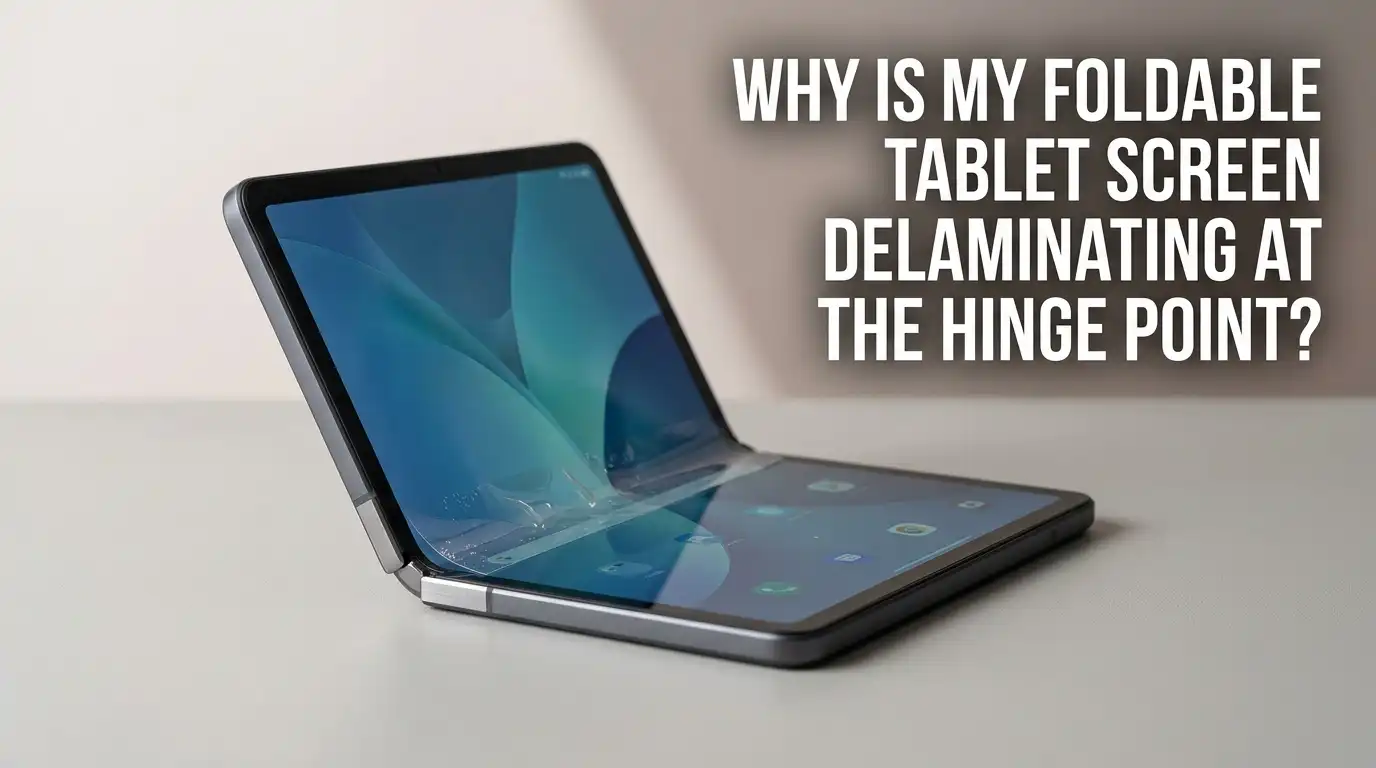
Why Is My Foldable Tablet Screen Delaminating At The Hinge Point?
You open your foldable tablet and notice something alarming. A bubble sits right along the hinge line. Maybe the screen protector has started lifting.
Or worse, the actual display layers have begun separating. That sinking feeling in your stomach is real. You spent a lot of money on this device and now it looks like it is falling apart.
You are not alone. Repair centers across the world report a sharp rise in foldable screen delamination cases. One shop noted a 40 percent increase in foldable specific issues over the last year alone.
Key Takeaways
- Most hinge area bubbles come from the factory installed screen protector, not the actual display. The screen protector on foldable devices is made of Thermoplastic Polyurethane or TPU.
- Never peel off the screen protector yourself if you are unsure. Removing the protector on a foldable can pull up the actual display layers. The adhesive bond between the protector and the Ultra Thin Glass underneath is very strong.
- Temperature extremes are a major cause of delamination. Foldable screens contain multiple layers of glass, plastic, and adhesive. Each material expands and contracts at a different rate. In freezing weather, the display becomes brittle.
- A screen protector replacement costs much less than a full display replacement. Authorized service centers charge around 20 to 30 dollars for a protector swap. A full inner screen replacement can cost anywhere from 400 to over 800 dollars depending on the model.
- Dust and debris in the hinge can push against the screen from behind. Small particles that collect in the hinge mechanism act like tiny wedges. When you close the device, those particles press upward into the back of the flexible display.
- Warranty and insurance can cover delamination if you act fast. Many manufacturers consider premature screen delamination a defect. Samsung offers one free screen protector replacement within the first year of purchase.
What Is Screen Delamination on a Foldable Tablet
Screen delamination happens when the layers of your foldable display start separating from each other. A foldable screen is not a single sheet of glass. It is a sandwich of multiple materials. You have the outer protective film.
Under that sits Ultra Thin Glass or UTG. Below the glass lies the polarizer layer. Then comes the actual OLED panel. Finally a back film holds everything together. Each layer is bonded with specialized adhesive.
When these adhesives fail, the layers begin to pull apart. You see air bubbles or a raised area along the hinge. In severe cases, you may notice a rainbow effect or wavy distortion in the image.
According to research published in materials science journals, foldable display adhesives can start to micro delaminate after roughly 150,000 to 200,000 folds. Climate conditions speed up this process dramatically.
The hinge area is always the first point of failure. This is where the screen bends the most. Every time you open and close your device, the adhesive at the crease stretches and compresses.
Factory Screen Protector vs. Actual Display Delamination
Many users confuse a peeling screen protector with true display delamination. The two problems look similar but have very different solutions and costs. You must learn to tell them apart before you take any action.
A factory screen protector is a thin sheet of TPU plastic that Samsung and other manufacturers apply to the inner display. It protects the softer foldable screen from scratches and minor impacts. This protector is designed to stay on permanently.
But it can start lifting after six months to two years of use. Bubbles usually begin at the top or bottom edge of the crease. Over a few weeks the bubble grows longer. You can often feel the edge of the film with your fingernail near the camera cutout or the display border.
Actual display delamination is different. There is no separate plastic edge to feel because the separation happens between internal layers. The image quality changes in the affected area.
Why the Hinge Point Fails First
The hinge point is the weakest link in every foldable display. The physics behind this are straightforward.
When you fold a material, the outer surface stretches and the inner surface compresses. The center of the material experiences the most stress. In a foldable screen, the hinge crease is where all this mechanical strain concentrates.
Every fold cycle adds cumulative damage. Manufacturers rate their devices for 200,000 folds or more. But these ratings come from laboratory testing under ideal conditions.
Real world use introduces variables like dust, humidity, and temperature swings. A single grain of sand caught under the screen can create a pressure point. Over hundreds of folds, that pressure point becomes a crack.
The hinge mechanism itself can contribute to the problem. If the hinge collects debris, it may not close perfectly flat. The uneven pressure transfers directly to the screen layers. Some users report hearing a crunching sound when opening their device.
Step by Step: How to Confirm the Problem Correctly
You need a systematic approach to diagnose what is happening with your foldable screen. Follow these steps in order before you decide on any fix.
Step 1: Power down the device completely. A black screen makes it much easier to see physical layer separation. Shut the tablet off and place it on a flat surface under bright light. Open it fully so the inner screen is flat.
Step 2: Examine the edges of the affected area. Look at the top and bottom borders of the display where the screen meets the frame. On most foldables, the factory protector does not extend all the way to the metal edge. There is a tiny gap. If you see a thin film edge in that gap, you have confirmed a protector layer. If you see no edge at all, the issue is likely internal.
Step 3: Check image quality on the affected area. Power the device back on. Display a pure white image. You can search for white screen test on your browser. Look at the bubbled area. Does it look normal white or does it have a yellowish or rainbow tint? A clear white color with no distortion suggests only the protector is lifted. Color changes suggest deeper delamination.
Step 4: Test touch sensitivity. Open a drawing app or use the keyboard. Run your finger slowly across the crease area. Does touch register consistently or does your finger skip? If touch works perfectly, you are likely dealing with the protector. If touch is dead or spotty along the crease, the digitizer layer underneath has been affected.
Step 5: Check for black spots or dead pixels. Look for any area that stays black or shows a different shade. Even a small black dot along the hinge is a serious sign. It means the OLED panel itself has been damaged. At this stage, you need a full screen replacement. Do not attempt any DIY fix.
What to Do If Only the Screen Protector Is Lifting
You have confirmed that only the factory screen protector is peeling. Your display underneath looks normal and touch works fine. Here is your action plan.
Do not peel the protector off yourself. This is the single most important rule. The factory protector is bonded to the UTG layer with strong adhesive. Pulling the film can lift the glass underneath.
Visit an authorized service center immediately. Samsung offers one free screen protector replacement within the first year of ownership. After the first year, the cost ranges from about 20 to 30 dollars.
Book the appointment quickly. Bubbles do not stay small. Every time you fold the device, the lifted area gets pulled and stretched. The bubble grows larger. Eventually it reaches a point where it catches on something or creates an uneven pressure point.
Pros of professional protector replacement: The job is done with proper tools and alignment jigs. The new protector bonds evenly without air pockets. Your warranty remains intact. Cons: You may need to travel to a service center. Wait times can be long in busy locations.
If you have experience and steady hands, aftermarket protectors exist. Several companies sell DIY replacement kits for foldable screens. These come with alignment trays, cleaning wipes, and dust removal stickers.
What to Do If the Actual Display Is Delaminating
Real display delamination is a serious problem. You cannot fix this at home. The internal adhesive layers have failed and the OLED panel is at risk. Here is what you need to do.
Stop folding the device immediately. Every hinge movement makes the separation worse. Use the device in its unfolded state if possible. If your foldable has an outer cover screen, switch to using that exclusively. The goal is to prevent any further mechanical stress on the damaged area.
Back up your data right now. A delaminating screen can fail completely without warning. One moment you have a working display with a bubble. The next moment the OLED cracks along the crease and the screen goes black. Do not risk losing your photos, documents, and app data. Connect to a computer or use cloud backup immediately.
Check your warranty and insurance status. In the United States, Samsung provides a two year warranty on the inner folding screen for Galaxy Z Assurance eligible models. Other regions offer 24 months of coverage by default.
Document the damage with clear photos. Take pictures of the delamination from multiple angles under good light. Capture the screen when it is turned on showing a white background. Photograph the device when it is turned off to show the physical separation.
Take the device to a professional repair center. Authorized service centers use OEM parts and maintain your warranty. Third party repair shops with foldable experience can also do excellent work. Ask about warranty on the repair itself. A good shop guarantees their work for at least 90 days.
Pros of professional screen replacement: You get a factory quality result. Touch sensitivity and display color return to original specification. Warranty coverage can save you hundreds of dollars. Cons: The cost without warranty coverage is high, often 400 to over 800 dollars. Repair can take days or weeks. You are without your primary device during that time.
The Danger of Ignoring Early Signs
It is tempting to ignore a small bubble. The device still works. The bubble does not look that bad. This thinking leads to very expensive outcomes. Here is why you must act early.
A small air gap along the hinge grows with every fold. Think of a sticker that has started peeling at one corner. If you keep bending the sticker back and forth, the peeled area spreads rapidly. The same thing happens inside your foldable screen.
The air gap allows oxygen and moisture to reach the internal layers. Adhesives degrade faster when exposed to air. The OLED panel is sensitive to moisture and oxidation. What starts as a cosmetic bubble can turn into permanent display damage within weeks.
Pressure distribution becomes uneven. A normal foldable distributes the folding force across the entire screen surface.
When part of the screen has separated, that area no longer shares the load. The remaining bonded areas take more stress. This accelerates failure at the edges of the delaminated zone. Eventually the stress concentrates enough to crack the UTG layer.
Debris enters the gap. Once a small opening exists along the crease, dust and lint can work their way inside. These particles scratch the OLED from the inside. They also act as wedge points that push the layers further apart each time you fold the device.
How Temperature and Humidity Affect Your Foldable Screen
Environmental conditions play a huge role in foldable screen longevity. Understanding how your device reacts to weather helps you prevent delamination before it starts.
Cold weather is the biggest enemy. When temperatures drop below freezing, the polymer layers in the screen become stiff and brittle. The Ultra Thin Glass does not flex as smoothly. Opening a foldable device that has been sitting in a cold car or outside in winter puts massive strain on the hinge area.
High heat also causes problems. Heat softens adhesives. When your foldable sits in direct sunlight or a hot car, the internal temperature can exceed safe limits. The glue that holds the display layers together becomes less viscous. Layers that were firmly bonded start to shift.
Humidity accelerates adhesive degradation. Moist air penetrates the tiny gaps around the hinge and the screen edges. Modern foldables have some water resistance, but the seals are not perfect forever. Over months and years, humidity works its way into the adhesive layers.
Practical steps you can take: Let your device warm up to room temperature before unfolding it in winter. Never leave your foldable in a parked car on hot or cold days. Avoid using the device in a steamy bathroom. Store it in a cool dry place when not in use. If you live in a very humid climate, consider using silica gel packets in your bag or drawer near the device.
FAQs
Can I use my foldable tablet while the screen protector is bubbling?
Yes, but you must be extremely careful. The bubbled area creates uneven pressure when you fold the device. Each fold cycle pulls on the lifted film and increases the bubble size. Use the device unfolded as much as possible. If you must close it, do so very gently. Get the protector replaced at a service center as soon as you can schedule an appointment.
How much does it cost to fix a delaminated foldable screen?
The cost depends entirely on what layer has separated. A simple screen protector replacement costs between 20 and 30 dollars at an authorized service center. Some manufacturers offer one free replacement in the first year. A full inner screen replacement costs much more, typically between 400 and 850 dollars depending on the model. The Samsung Galaxy Z Fold series is on the higher end.
Is screen delamination covered under warranty?
In most cases, yes. Manufacturers consider premature screen delamination a defect in materials or workmanship. The standard warranty covers it as long as there are no signs of accidental damage. A dent on the hinge or a crack from a drop will void the coverage. This is why many users get frustrated. A small unrelated dent can be used as a reason to deny a legitimate delamination claim. Take clear photos of your device before sending it in.
Can cold weather permanently damage my foldable screen?
Yes, extreme cold can cause permanent damage. When the polymer layers inside the screen freeze, they become rigid. Opening the device in this state can crack the Ultra Thin Glass layer. The crack may not appear immediately. Sometimes micro fractures develop and only become visible weeks later as the adhesive weakens and air enters the gap.
Should I remove the factory screen protector if it starts peeling?
No. This is the most common and most costly mistake foldable users make. The factory installed screen protector is bonded to the UTG layer with strong adhesive. Pulling on the protector can lift the glass layer underneath. Many users have reported that their inner screen died within hours of removing the protector.
How many years should a foldable tablet screen last?
With proper care, a foldable screen should last at least three to four years of normal use. Manufacturers test their hinges for 200,000 folds or more. That translates to roughly five years if you fold the device 100 times per day. However, real world conditions reduce this number.