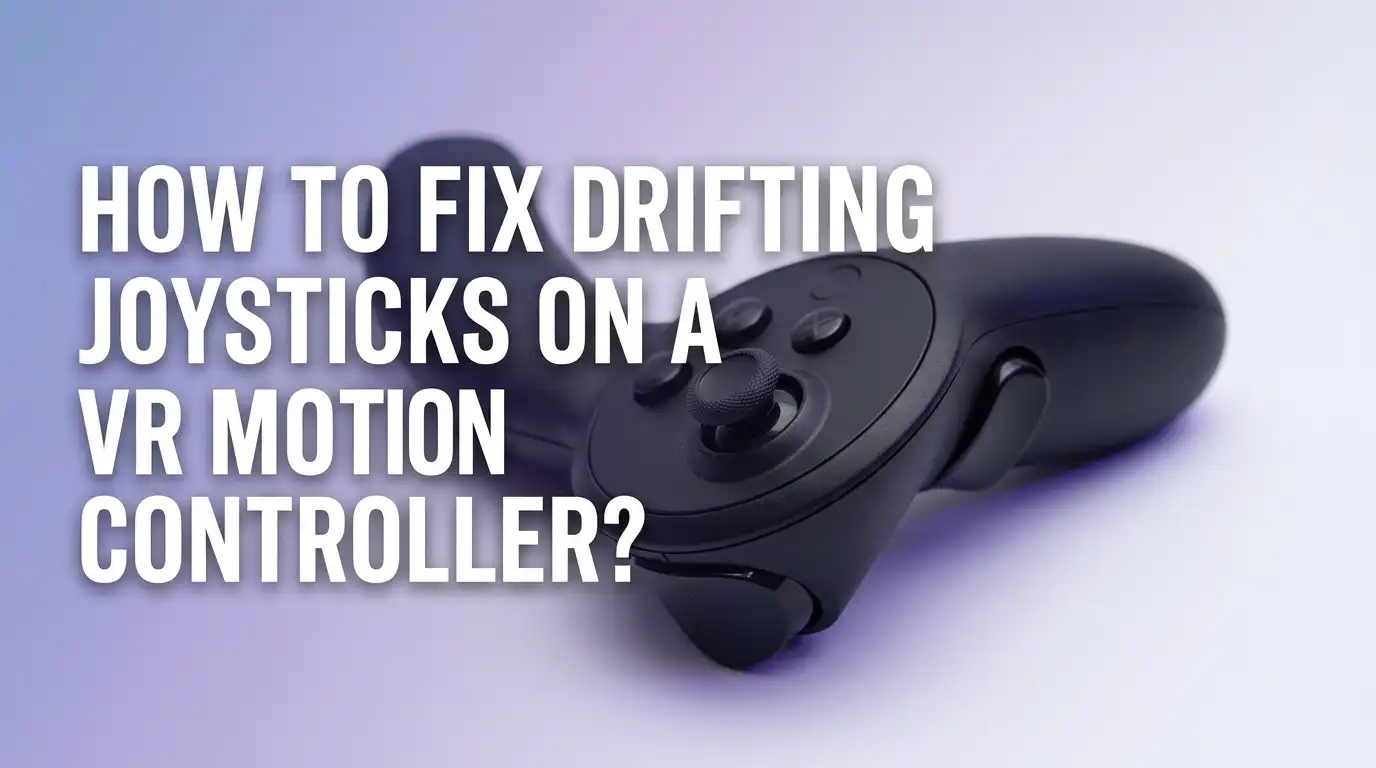
How to Fix Drifting Joysticks on a VR Motion Controller?
Joystick drift turns your favorite VR game into a frustrating mess. Your character walks forward when you stand still. Your menu cursor floats across the screen.
Your aim slips off target during a heated boss fight. If this sounds familiar, you are dealing with one of the most common VR controller problems out there.
This guide walks you through every working method, from the simplest cleaning trick to a full thumbstick swap. Each section gives you clear steps, honest pros and cons, and tips to keep the drift from coming back.
Key Takeaways
- Drift usually starts with dust or worn contacts inside the thumbstick module. The tiny potentiometers send wrong signals to your headset even when your thumb is off the stick.
- Try the easiest fixes first, like recalibrating the controller, blowing out debris with compressed air, and adjusting the deadzone in your VR settings.
- Use 99 percent isopropyl alcohol or proper electrical contact cleaner if soft methods fail. Never use household rubbing alcohol with additives, since it leaves residue that makes drift worse over time.
- Replacing the thumbstick module is the most permanent fix. It costs a few dollars and takes about thirty minutes if you have a basic toolkit and a steady hand.
- Prevent future drift by keeping food, drinks, and pet hair away from your play space. Store the controllers in a clean case and remove the batteries during long breaks.
- Warranty still matters. If your controller is under a year old, contact the manufacturer before opening it. Self repair often voids the warranty.
What Causes Joystick Drift on VR Controllers
Joystick drift happens when the controller sends movement signals without any input from you. The main cause is dust, skin oil, and tiny debris that slip under the plastic shield of the thumbstick. These particles sit on the potentiometer contacts inside the module.
The potentiometer is a small sensor that reads the angle of your thumb. When dirt blocks the metal wiper, it gives the headset a fake position reading. Over time, the contacts also wear down from constant rubbing. Heavy use, sweaty hands, and dusty rooms speed up this damage.
Sometimes drift comes from software glitches instead of hardware. A bad calibration file or a stuck deadzone setting can mimic real drift. That is why you should always test software fixes first.
Quick Test to Confirm You Have Real Drift
Before tearing anything apart, make sure the problem is actually drift. Open your VR home screen and place the controller flat on a table. Do not touch the thumbstick at all. Watch the pointer or your in game character for about thirty seconds.
If the cursor moves on its own, or your avatar walks in one direction, you have confirmed drift. Try this test with both controllers so you know which one needs work. Switch the batteries between controllers too, since a weak battery can sometimes cause odd input behavior.
Also test the stick in different games. Some titles have higher sensitivity than others, so a tiny drift may only show up in shooters or precision puzzles. Knowing the severity helps you pick the right repair level.
Method 1: Restart and Recalibrate Your Controller
Always start with the simplest step. Power off your headset fully and pull the batteries out of the controller for two minutes. Put them back in and turn everything on again. A clean restart clears small firmware glitches that can cause fake drift.
Next, run the official calibration tool. On a Meta Quest, open Settings, go to Devices, pick your controller, and choose Recalibrate Thumbstick Deadzone. Follow the on screen prompts and roll the stick in full circles when asked.
Pros: This costs nothing, takes two minutes, and fixes mild software drift instantly. It is also safe for any warranty.
Cons: It does not help with real hardware damage. If dust is the problem, the drift comes right back. You may need to recalibrate every few weeks as the sticks age.
Method 2: Increase the Deadzone in Game Settings
A deadzone is a small area around the center of the stick where the controller ignores input. Raising the deadzone hides minor drift from your games. Many VR titles like Beat Saber, Pavlov, and Skyrim VR have this option in the controls menu.
Open the game settings and look for stick deadzone or input sensitivity. Push the value up by ten to twenty percent and test how the game feels. Adjust until the drift stops but the stick still feels responsive.
Pros: It works across many games without opening your controller. The change is instant and reversible.
Cons: A larger deadzone makes the stick feel less precise. Competitive players may notice slower aim and weaker micro movements. It is a workaround, not a real fix, so the underlying damage keeps growing.
Method 3: Blow Out Dust With Compressed Air
Dust is the number one reason for drift. A can of compressed air can push out loose particles without any disassembly. Hold the controller upside down so debris falls away from the internals.
Pull the thumbstick gently to one side to expose the gap under the plastic shield. Aim the straw of the air can into that gap and fire short bursts. Rotate the stick in a circle so the air reaches every angle. Repeat for ten to fifteen seconds total.
Pros: Compressed air is cheap, fast, and totally safe for the electronics. It works well for early stage drift caused by surface dust.
Cons: It cannot remove sticky grime or oxidation on the metal contacts. Holding the can upside down can spray cold liquid propellant and damage the board, so keep it upright at all times.
Method 4: Clean With 99 Percent Isopropyl Alcohol
When air alone does not work, you need a real solvent. Use 99 percent isopropyl alcohol from an electronics store. The cheap rubbing alcohol in pharmacies is only seventy percent and contains oils that leave residue.
Tilt the controller so the stick is sideways. Pull the stick away from the gap and place two or three drops of alcohol along the edge of the shield. Work the stick in full circles for thirty seconds to spread the liquid across the contacts.
Let the controller air dry for at least fifteen minutes before turning it on. Pros: This dissolves skin oils and dust at the same time. Many users report instant drift relief.
Cons: Alcohol evaporates quickly, so the fix may only last a few weeks. Using the wrong type of alcohol can corrode the contacts and make drift permanent.
Method 5: Apply Electrical Contact Cleaner
Contact cleaner is the proper tool for cleaning potentiometers. Brands like DeoxIT and CRC make sprays designed for electronic switches. These cleaners include a light lubricant that protects the metal wiper.
Spray a very small puff onto a cotton swab, then dab the swab into the gap under the thumbstick. Move the stick around so the cleaner spreads. Do not spray directly into the controller, since too much liquid can flood the circuit board.
Pros: Contact cleaner offers longer lasting results than alcohol. The lubricant film slows down future wear. Pro repair shops use this exact method.
Cons: A good can costs more than basic cleaning supplies. Some cleaners attack plastic, so always check the label for safe materials. Overuse can leave a sticky film that traps new dust.
Method 6: Open the Controller and Clean the Module
If surface cleaning fails, you need to open the shell. Remove the battery, peel off the front faceplate carefully with a plastic pry tool, and unscrew the inner frame with a T5 Torx driver. Disconnect the ribbon cables with gentle pressure.
Once the thumbstick module is exposed, you can pop off the metal cover with a small flathead. Clean the carbon track inside with a cotton swab dipped in 99 percent alcohol. Wipe away black residue until the swab comes out clean.
Pros: Deep cleaning reaches damage that no spray can touch. The result lasts much longer than surface fixes.
Cons: Opening the controller voids your warranty in most cases. One wrong move can tear a ribbon cable or strip a screw. Take photos of every step so you can put it back together.
Method 7: Replace the Thumbstick Module Entirely
When the carbon track is worn through, no cleaning helps. The fix is a brand new thumbstick. Replacement modules for Quest 2, Quest 3, PSVR2, and Valve Index are easy to find from electronics repair suppliers.
You need a soldering iron, solder wick, flux, and steady hands. Desolder the old module by heating each pin and pulling out the leftover solder. Drop in the new module, line up the pins, and solder them clean. Reassemble and test.
Pros: A new thumbstick restores factory feel and accuracy. The fix can last years if you take care of the controller.
Cons: Soldering takes practice. Beginners often lift pads or bridge pins, which can kill the board. If you are not confident, a local repair shop can do it for a small fee.
Method 8: Send the Controller to the Manufacturer
If your controller is still under warranty, the safest path is the official repair service. Meta, Sony, Valve, and HTC all replace or fix drifting controllers when the product is within the coverage window. Check your purchase date first.
Contact support through the official website, describe the drift problem clearly, and include a video if possible. Most companies send a prepaid shipping label. Back up your account data before mailing the controller, even though only the hardware travels.
Pros: This costs nothing if you are covered. The repair uses genuine parts and keeps your warranty alive.
Cons: Shipping takes one to three weeks, so you lose play time. Out of warranty repairs from the manufacturer often cost more than buying a new controller. Always weigh the price before mailing it in.
How to Prevent Drift From Coming Back
Prevention saves you from repeating these repairs. Keep your VR space clean by vacuuming the floor and dusting nearby shelves once a week. Wash and dry your hands before each session so skin oil does not creep into the sticks.
Use silicone thumb grips to block dust from reaching the module. They also reduce sweat transfer from your thumb to the plastic. Store the controllers in a closed case when you are not playing, and take the batteries out during long breaks.
Avoid eating or drinking near your play area. Crumbs and sticky droplets are the worst enemies of any joystick. Set a reminder to clean the thumbstick gap with compressed air once a month, even if everything feels fine. A small habit now blocks bigger repairs later.
When to Give Up and Buy a New Controller
Sometimes a controller is just too far gone. If you have already replaced the module, cleaned the board, and the drift still returns within days, the issue may be a damaged trace on the circuit board. Repairing that needs lab tools most people do not own.
Also consider the math. A new pair of official controllers often costs less than two failed repair attempts plus your time. If your controller is more than four years old, the battery contacts and triggers are probably worn too.
Pros of replacing: You get a fresh warranty, updated tracking, and zero downtime. Cons of replacing: It costs more upfront and adds electronic waste. Try one full repair cycle before giving up.
Frequently Asked Questions
Does stick drift go away on its own?
No, drift never fixes itself. The damage inside the potentiometer only gets worse with more use. You may notice it disappear for a day after heavy play, but the problem returns once the contacts cool and dust settles back in place.
Can I use WD 40 to fix joystick drift?
Avoid regular WD 40. It contains oils that gum up the contacts and trap more dust. Only use WD 40 Specialist Contact Cleaner or a similar product made for electronics, since those formulas dry clean and leave no residue.
How long does the alcohol cleaning fix last?
Results vary by use. Light gamers often get three to six months of smooth play after a proper alcohol cleaning. Heavy users may see drift return in a few weeks. Repeating the cleaning is safe as long as you use the right type of alcohol.
Is joystick drift covered by warranty?
Most major VR brands cover drift under their standard one year warranty. You usually need proof of purchase and a video of the issue. Damage from spills, drops, or self repair attempts is not covered, so contact support before opening the controller.
Will replacing the thumbstick void my warranty?
Yes, opening the shell almost always voids the warranty. Check your remaining coverage first. If you have less than a month left and the drift is mild, try contacting support before doing any DIY work on the controller.