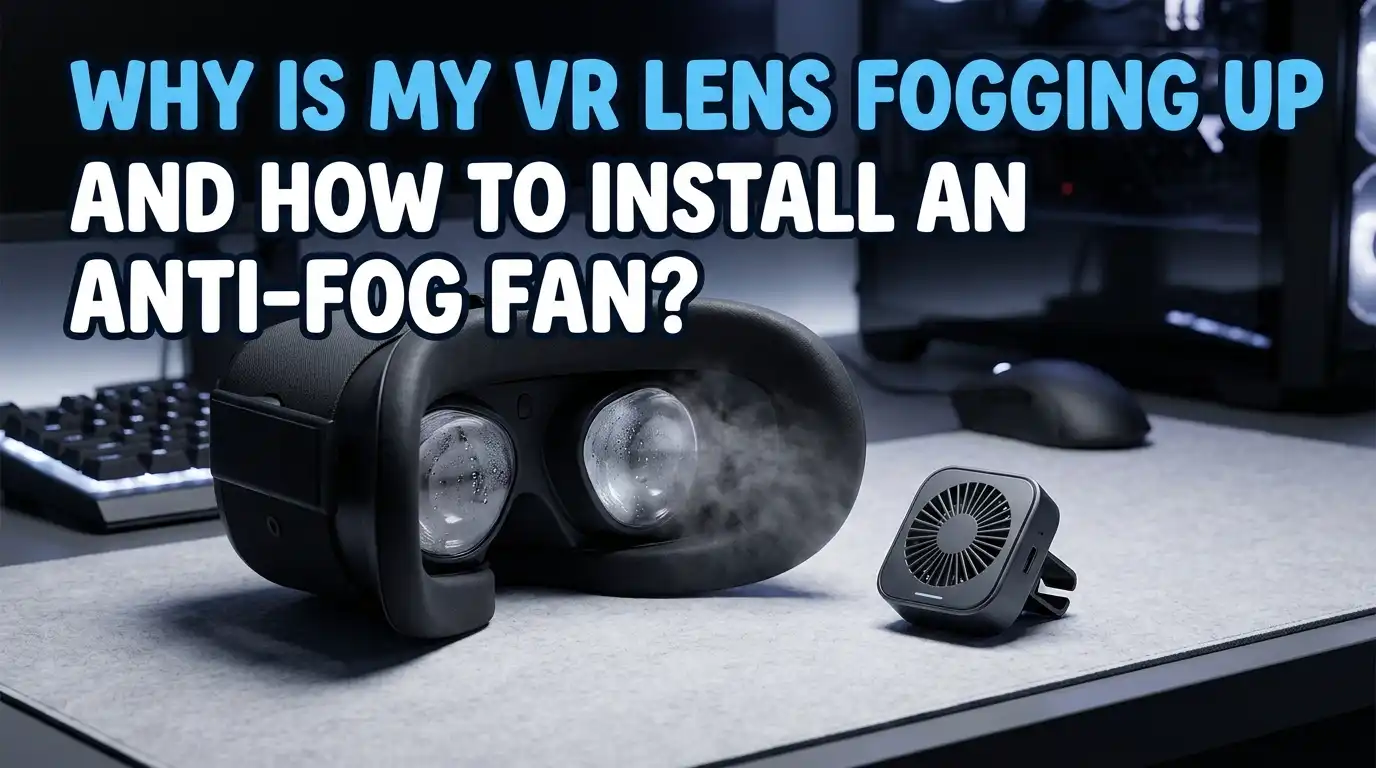
Why Is My VR Lens Fogging Up and How to Install an Anti-Fog Fan?
You strap on your VR headset, load into a game, and within minutes the lenses turn into a foggy mess. The action blurs, your immersion breaks, and you stop to wipe the lenses again.
This problem hits almost every VR user, especially during workouts, intense gameplay, or in cold rooms.
The good news is that lens fogging has clear causes and even clearer fixes. A small fan, a few habit changes, and proper care can keep your view crystal clear for hours. This guide walks you through every cause, every solution, and a full step by step install of an anti fog fan on your headset.
Key Takeaways
- Fogging is a temperature gap problem. Warm sweaty air from your face meets the cooler glass of the lens and condenses into tiny water droplets. Fix the temperature gap and you fix the fog.
- Pre warming the headset works wonders. Letting your VR sit at room temperature or near your body for ten minutes before use stops most cold start fog instantly.
- An anti fog fan is the best long term fix. A small USB or battery powered fan pushes warm humid air out and pulls cool dry air in, keeping the lenses clear during long sessions.
- Installation is beginner friendly. Most VR cooling fans clip onto the facial interface without tools, take five minutes to set up, and run on a built in rechargeable battery.
- Facial interface upgrades help too. Replacing the stock foam with a breathable cover that has airflow channels reduces trapped moisture before fog can even form.
- Cleaning matters more than you think. Dust, skin oils, and old anti fog sprays leave a film that traps condensation. A clean microfiber wipe each session keeps lenses fog free for longer.
What Causes VR Lenses to Fog Up in the First Place
VR lens fog happens when warm moist air from your face touches the cooler surface of the lens. The water vapor cools down fast and turns into tiny droplets you see as fog. This is the same science behind foggy bathroom mirrors and eyeglasses on a cold day.
Three things make this worse inside a headset. Your body heat builds up in the sealed facial interface. Sweat and breath add humidity. The lenses stay cooler than your skin because the headset has been sitting on a shelf.
If you exercise in VR or play in a cold room, all three factors stack up. That is why fitness apps like Supernatural and Beat Saber trigger the worst fogging.
Why Cold Lenses Are the Biggest Problem
Most fogging starts in the first five minutes of play. The headset has been sitting in a cool spot, so the lens surface is cold. Your face, on the other hand, is warm and damp.
When you press the headset on, hot air rushes in and hits the cold glass. Condensation forms instantly. This is called flash fogging, and it is the number one complaint among new VR owners.
The fix is simple. Warm the headset before use. You can hold it near a heater for a minute, place it under your shirt, or just let it sit in the room for fifteen minutes. Once the lens temperature matches the room, flash fogging stops on its own.
Pros of pre warming: free, fast, and zero risk to the device.
Cons: it only delays the fog if you sweat heavily later in the session.
How Sweat and Breath Keep the Fog Coming Back
Even after the headset warms up, sweat and breath keep feeding moisture into the enclosed space. Your nose vents warm air upward, right into the lens area. Cheeks and forehead release humidity through the foam padding.
During cardio VR games, your sweat rate jumps. The trapped air becomes saturated, and any small drop in lens temperature triggers fog again. This is the second wave of fogging that hits during long sessions.
The fastest fix is airflow. Pulling humid air out and letting fresh air in keeps the inside dry. This is exactly what an anti fog fan does, and why fans are now standard accessories for fitness focused players.
Pros of relying on natural airflow: no extra gear needed.
Cons: it rarely works for intense workouts or long play.
The Role of Room Temperature and Humidity
Your room conditions decide how often you will fog up. Cold rooms make the lens cooler than your face, which speeds up condensation. Humid rooms add extra moisture to the air your headset traps.
Players in basements, garages, or air conditioned rooms report the most fogging. Players in warm dry rooms report almost none. If you can, raise the room temperature slightly before play or run a dehumidifier nearby.
A simple test is to check your room with a small hygrometer. Aim for 40 to 50 percent humidity. Anything above 60 percent will fog almost any headset, even with a fan installed.
Pros of changing room conditions: helps every headset and every game.
Cons: not always possible if you share a space or live in a damp climate.
Quick Fixes You Can Try Right Now
Before you buy any gear, try these fast fixes that work for most people. They cost nothing and take less than a minute.
Wipe both lenses with a clean microfiber cloth before each session. Skin oils and dust hold moisture and make fog worse. Next, adjust your strap so the headset sits slightly higher on your forehead. This pushes your nostrils outside the foam seal, letting hot breath escape downward instead of up into the lenses.
Take short breaks. A thirty second pause with the headset off lets trapped air vent out. Also try a small desk fan aimed at your face. This cools your skin and reduces sweat at the source.
Pros: free, instant, and safe.
Cons: temporary, and not enough for heavy workouts.
Why an Anti Fog Fan Is the Best Long Term Solution
For players who use VR every day or work out in it, a dedicated anti fog fan is the most reliable fix. These small fans clip onto the facial interface and run quiet brushless motors that push air through the headset cavity.
The fan creates a constant airflow path across the lenses. Humid air leaves before it can condense, and the lens surface stays close to room temperature. Most users report zero fog even during long Beat Saber or Supernatural sessions.
Popular models include the BoboVR F2, the NVNV dual turbo fan, and the Hibloks cooling fan. They fit Meta Quest 2, Quest 3, Quest 3S, and many Pico models. Most cost between twenty and forty dollars.
Pros: long sessions stay fog free, light weight, rechargeable.
Cons: adds a small amount of noise and weight to the front of the headset.
What to Look for When Choosing an Anti Fog Fan
Not every fan suits every player. Before you pick one, check these four key features.
First, check compatibility. Make sure the fan is built for your exact headset model. Quest 2 fans usually do not fit Quest 3 because the facial interface shape changed.
Second, look at speed settings. A good fan offers two or three speeds so you can match airflow to your activity. Third, check battery life. Aim for at least three hours of run time per charge. Fourth, listen to noise reviews. Brushless motors run quieter than older brushed designs.
Bonus features to consider include reversible airflow, USB C charging, and built in sweat resistant facial interfaces.
Pros of premium fans: quiet, durable, long battery life.
Cons: higher price, often above thirty dollars.
Step by Step Guide to Installing an Anti Fog Fan
Most anti fog fans install in under five minutes with no tools. Here is the general process that works for nearly every model on Quest 2, Quest 3, and Quest 3S.
Step 1: Remove the stock facial interface from your headset. On Quest 2 and 3, gently pull the foam pad away from the plastic clips. It should pop off cleanly.
Step 2: Clean the lenses and the inside of the headset shell with a dry microfiber cloth. Dust here can blow into the lenses once the fan runs.
Step 3: Attach the new facial interface that came with the fan. Line up the plastic tabs with the slots on the headset and press until you hear a soft click.
Step 4: Snap the fan unit into the slot on the new interface. Most fans use a magnetic mount or a slide in rail.
Step 5: Charge the fan fully using the included USB C cable. Then power it on, pick your speed, and put the headset on. You should feel a gentle breeze across your cheeks.
Pros: fast, reversible, no permanent changes.
Cons: adds a few grams of weight to the front.
How to Test if Your Fan Is Working Correctly
After install, test the fan before a long session. Power it on at the highest setting and hold a thin tissue near the vent. The tissue should flutter clearly, showing strong airflow.
Next, put the headset on and play a light game for ten minutes. The lenses should stay completely clear. If you still see fog, check that the fan is blowing the right direction. Some models are reversible and ship in intake mode when you actually need exhaust mode, or the other way around.
Also confirm the facial interface is sealed on all sides. Air gaps near your nose will pull in unfiltered air and reduce fan efficiency. A tiny nose guard or foam strip fixes this in seconds.
Best Practices to Get the Most Out of Your Anti Fog Fan
Even the best fan needs good habits to work at full power. Charge the fan after every long session. A half charged fan slows down within an hour and lets fog return.
Clean the fan blades monthly. Dust builds up fast and blocks airflow. A soft brush or a quick puff of compressed air keeps the blades spinning freely.
Replace the facial interface foam every three to six months if you sweat heavily. Old foam holds bacteria and moisture, which adds humidity to the headset cavity. Store your headset in a dry place, not in a closed bag right after use. Let it air dry first.
Pros of good maintenance: longer fan life and consistent fog free play.
Cons: takes a few minutes of care each month.
Other Anti Fog Methods That Pair Well with a Fan
A fan handles most of the work, but you can stack other methods for zero fog conditions. Anti fog wipes made for ski goggles or swim masks work well on VR lenses. Apply them once a week with a clean cloth.
Anti fog sprays like Z Clear or ABOM HEET are alcohol free and safe for VR coatings. Avoid any spray with ammonia, harsh solvents, or abrasives. These will strip the lens coating and create permanent haze.
You can also add a sweat band across your forehead. This soaks up sweat before it reaches the foam. Cooling vests or ice packs on the neck during workouts lower your body heat too. Together with a fan, these tricks make fog almost impossible.
Common Mistakes to Avoid While Fixing VR Fog
Many players make small mistakes that bring the fog right back. Never use household glass cleaner on VR lenses. Products like Windex contain ammonia, which destroys the anti reflective coating.
Do not wipe the lenses with paper towels, tissues, or your shirt. These leave micro scratches that scatter light and trap moisture. Only use a soft microfiber cloth made for optics.
Another mistake is over tightening the strap. A tight seal traps more humid air. A slightly loose fit lets warm air escape naturally. Also avoid storing the headset near a window where it can get cold from outside air, since that brings back flash fogging on the next use.
FAQs
Will an anti fog fan damage my VR headset?
No. Anti fog fans are designed as external accessories that clip onto the facial interface. They do not connect to the headset electronics and do not affect warranty in most cases. They simply move air across the lenses.
How long do anti fog fan batteries last?
Most models run between three and six hours on a full charge at medium speed. Higher speeds drain the battery faster. Charging usually takes one to two hours over USB C.
Can I use my anti fog fan with prescription lens inserts?
Yes. Fans work fine with prescription inserts because the inserts sit between the headset lens and your eyes. Airflow still passes across both surfaces and prevents fog on either layer.
Do anti fog sprays work as well as a fan?
Sprays help, but they wear off within a few hours of sweat and breath exposure. A fan provides constant airflow and is more reliable for long sessions. Many players use both together.
Why do my lenses still fog up with a fan installed?
Check three things. The fan battery may be low, the facial interface may have air gaps, or the room may be very cold. Fixing any one of these usually solves the problem.
Is it normal for new VR headsets to fog up?
Yes. Almost every modern VR headset fogs up under the right conditions. It is a physics problem, not a defect. The fixes in this guide work for Quest 2, Quest 3, Quest 3S, Pico 4, Valve Index, and most other models.