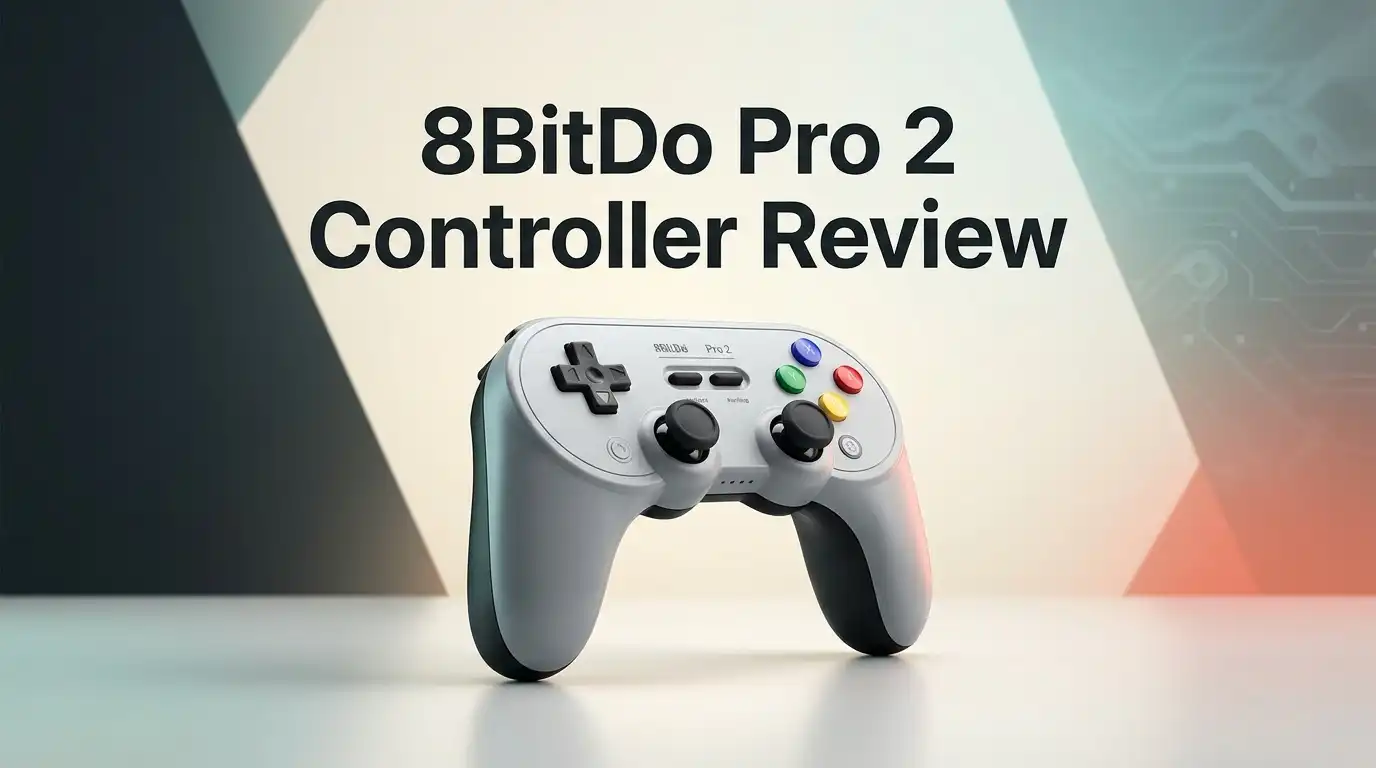
8BitDo Pro 2 Controller Review 2026: Worth Buying?
The 8BitDo Pro 2 has quietly become one of the most recommended gamepads on the internet. It looks like a Super Nintendo controller that went to the gym. It costs around fifty dollars. It works with almost every device you own.
But a lot has changed since this controller launched. The Pro 3 exists now. Hall Effect sticks are everywhere. Cheap competitors keep getting better. So the real question in 2026 is simple: does the Pro 2 still earn a spot on your desk, or has time passed it by?
I spent weeks with this controller across a Switch 2, a gaming PC, a Steam Deck, and an iPhone. Here is the honest breakdown, including the parts 8BitDo would rather you skip.
In A Nutshell:
- The Hall Effect version is the one to buy. 8BitDo refreshed the Pro 2 with magnetic sensor joysticks. These sticks resist drift far better than the older potentiometer version. If you shop online, confirm the listing says Hall Effect before you pay.
- Compatibility is the headline feature. The Pro 2 pairs with Switch 1, Switch 2, Windows, macOS, iOS, iPadOS, tvOS, visionOS, Android, SteamOS, and Raspberry Pi. A four way mode switch on the back changes profiles in one second.
- The D pad is genuinely excellent. Fighting game players and retro fans rank it among the best D pads on any modern controller. Street Fighter inputs and Mega Man jumps feel precise and clean.
- Battery life hits around twenty hours. The 1000mAh rechargeable pack charges over USB C in roughly four hours. That beats most official first party controllers.
- The triggers are the weak point. They are digital mush rather than smooth analog pulls in several modes. Racing and shooter fans will notice this immediately.
- No HD rumble, no NFC, no 2.4G dongle. The Pro 2 uses Bluetooth 4.0 and basic vibration motors. Competitive players who want low latency wireless should look elsewhere.
8BitDo Pro 2 Controller Overview
No products found.
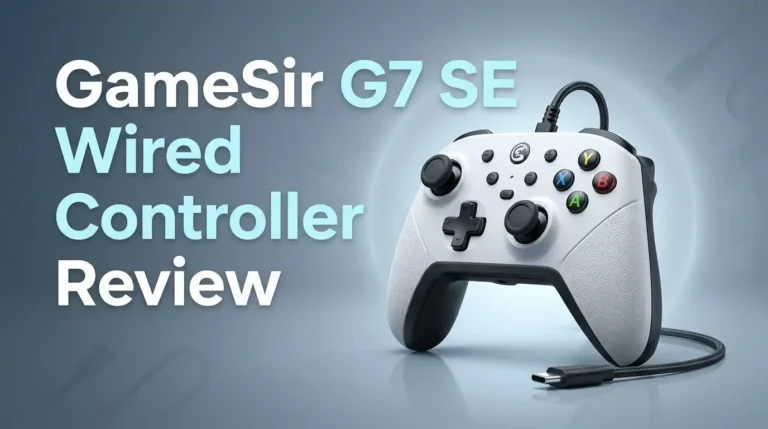
The 8BitDo Pro 2 is a Bluetooth gamepad built around a retro shell with modern guts. It measures 153.6 by 100.6 by 64.5mm and weighs 228 grams. That weight sits right in the sweet spot. It feels solid without tiring your wrists.
Inside you get Hall Effect joysticks, two back paddle buttons, three swappable custom profiles, motion controls for Switch, and a mode switch for Switch, X input, D input, and Android. You also get full support from 8BitDo Ultimate Software on PC, Android, and iOS.
The pitch is straightforward. One controller replaces four. For fifty dollars, that pitch mostly holds up.
Unboxing The 8BitDo Pro 2
The box is small, matte, and honestly nicer than the price suggests. 8BitDo keeps the presentation clean. You lift the lid and the controller sits face up in a molded tray, shrink wrapped and protected.
Under the tray you find a braided USB C cable and a folded instruction manual. That is it. No charging dock, no carrying case, no extra thumbstick caps. 8BitDo sells those separately, which stings a little at this price.
The first thing you notice when you pick it up is the texture. The rear grips use a soft matte finish that grips your palms instead of sliding around. The transparent purple and transparent black shells look fantastic under desk lighting. The classic gray version nails that Super Famicom nostalgia hit.
Design And Build Quality
The Pro 2 improves on the original Pro in one big way: the grips. The first model had a flat tail that dug into your palms. This version adds curved handles that fill your hands properly.
Build quality feels tight. No creaking, no rattling, no loose seams. The face buttons use a slight dome shape with short travel and a satisfying click. The shoulder bumpers snap back fast.
The offset stick layout copies the Xbox arrangement, with the left stick above the D pad. Some retro purists prefer a symmetrical layout, but this choice helps modern games feel natural.
The one design complaint is the glossy face plate. It collects fingerprints within minutes. Keep a microfiber cloth nearby if that bothers you.
Top 3 Alternative for 8BitDo Pro 2 Controller

- Multi-Platform Compatibility - Compatible with Switch 1 & Switch 2, Windows PC, Apple, SteamOS, and Android devices.
- Swappable Magnetic ABXY Buttons - Easily switch between Switch and Xbox layouts with included button puller.
Some of the links on this website are affiliate links, which means that at no additional cost to you, I earn a commission if you click through and make a purchase. I only recommend products and services that I believe will add value to my readers. Thank you for your support!
8BitDo Pro 3 Bluetooth Controller

- 【TMR Joysticks】Offering higher sensitivity, greater precision, and enhanced durability, consuming less power.
- 【Switchable Triggers】Easily switch between linear Hall Effect triggers and non-linear tactile triggers for optimal control across different gaming scenarios.
Some of the links on this website are affiliate links, which means that at no additional cost to you, I earn a commission if you click through and make a purchase. I only recommend products and services that I believe will add value to my readers. Thank you for your support!
8BitDo Ultimate 2 Wireless Controller

- Compatible with Switch and Steam Deck via Bluetooth/2.4g adapter/USB Cable, Windows with a 2.4g adapter/USB Cable.
- Multifunctional Charging Dock - Stable connection and controller will be automatically switching ON/OFF while it is undocked/docked.
Some of the links on this website are affiliate links, which means that at no additional cost to you, I earn a commission if you click through and make a purchase. I only recommend products and services that I believe will add value to my readers. Thank you for your support!
8BitDo Ultimate Bluetooth Controller with Charging Dock
Hall Effect Joysticks And Stick Feel
This upgrade matters more than any other change. Traditional sticks use carbon potentiometers that wear down and cause drift. Hall Effect sticks use magnets and sensors with no physical contact, so they last far longer.
In testing, the sticks felt accurate from the very first millimeter of movement. Dead zones are small. Aiming in shooters felt steady, and slow camera pans in adventure games stayed smooth.
The stick tension sits on the lighter side. Players coming from a DualSense may find them a touch loose at first. After an hour, that feeling fades.
Important warning: older Pro 2 stock still circulates without Hall Effect sticks. Some buyers have reported drift because they received the original revision. Check the packaging and the product listing carefully before you order.
The D Pad Retro Fans Love
8BitDo built its reputation on D pads, and the Pro 2 shows why. The cross pivots on a central point with just the right amount of resistance. Diagonals register when you want them and stay quiet when you do not.
Quarter circle motions in fighting games come out cleanly. Platformers feel tight. Running through a library of SNES and Genesis classics on an emulator felt exactly right.
Compare this to the official Switch Pro Controller D pad, which still drops inputs for many players, and the gap is obvious. The Pro 2 D pad is a genuine selling point, not a marketing line.
If you play 2D games, this alone justifies the purchase.
Back Buttons And Custom Profiles
Two paddles sit on the rear shell, labeled P1 and P2. They sit under your middle fingers and press with a firm click rather than a mushy squish. You can map any button or macro to them.
The profile switch button is the clever part. You store three configurations on the controller itself and cycle through them on the fly. One profile for shooters, one for platformers, one for emulation.
Profiles live on the hardware, not the software. That means your settings travel with the controller when you move from PC to Switch to phone. This is a feature usually reserved for controllers that cost twice as much.
8BitDo Ultimate Software Deep Dive
The companion app runs on Windows, Android, and iOS. It does not work in Mac mode, which is a real limitation for Apple users.
Inside the app you can remap every button, adjust stick sensitivity curves, set trigger ranges, change vibration intensity, and record macros. The interface is clean and loads fast.
Macro recording is the standout tool. You capture a sequence of inputs with timing and fire the whole thing from one button. Fighting game combos and crafting loops become one press.
The app is not flawless. Firmware updates occasionally require a wired connection and a restart. Some users report pairing hiccups after updating. Still, few controllers at this price offer this much control.
Battery Life And Charging
The 1000mAh lithium ion pack delivers roughly twenty hours of play. In real testing with vibration enabled, I landed closer to seventeen or eighteen hours. With rumble off, it stretched past twenty two.
Charging takes about four hours over USB C. There is no fast charge and no charging dock in the box.
You can keep playing while the cable is plugged in, so a dead battery never ends your session. The controller also works as a plain wired USB gamepad, which helps on PC.
One small annoyance: the battery indicator is basic. You get a few LED blinks rather than a percentage, so you often learn the battery is low only when it is almost gone.
Device Compatibility Across Platforms
This is where the Pro 2 shines brightest. The four way mode switch on the back lets you select Switch, X input, D input, or Android in a second.
Confirmed support covers Switch from firmware 3.0.0, Switch 2 from firmware 20.1.1, Windows 10 and newer, SteamOS, Android 9 and newer, Raspberry Pi, plus the full Apple lineup including Vision Pro.
Steam support is fully optimized, so the controller shows up correctly in Steam Input with no extra setup. On Steam Deck it pairs in seconds.
One controller genuinely covers your entire setup. For people with a Switch, a PC, and a phone, that convenience is worth real money.
Gaming Performance And Real World Latency
For single player and casual multiplayer, the Pro 2 performs well. Bluetooth 4.0 connects quickly and holds steady within about ten meters of line of sight.
In platformers, RPGs, and racing games, I noticed no input lag during normal play. Wired mode removes any doubt entirely.
Competitive players should temper expectations. Bluetooth 4.0 cannot match the 2.4G wireless and 1000Hz polling found on newer controllers like the Ultimate 2. If you play ranked shooters or frame perfect fighters, plug in the cable or buy a controller built for speed.
For everything else, the connection is reliable and boring in the best way.
What The 8BitDo Pro 2 Does Not Do Well
Honest reviews list the flaws, so here they are.
The triggers are the biggest issue. They feel short and springy rather than smooth. In several modes, including D input, games read them as digital on or off switches rather than gradual pulls. Racing sims suffer badly as a result.
Rumble is basic. You get two standard motors, not HD Rumble, so Switch games built around fine haptics lose their best effect.
There is no NFC, which means no amiibo scanning on Switch. There is no wake function for Switch consoles either, so you still reach for the console to turn it on.
Finally, the glossy shell scratches and smudges easily.
Pros And Cons Of The 8BitDo Pro 2
Pros
- Hall Effect joysticks resist drift and track small movements with accuracy.
- Outstanding D pad that handles fighting games and retro platformers better than most first party pads.
- Massive compatibility, covering Switch 1, Switch 2, Windows, Apple devices, Android, SteamOS, and Raspberry Pi.
- Two back paddles plus three onboard profiles, stored on the hardware so settings follow you everywhere.
- Around twenty hours of battery life from a rechargeable pack, with wired play available anytime.
- Comfortable grips and a light 228 gram body that stays easy on the wrists during long sessions.
Cons
- Weak triggers with poor analog response in certain modes, which hurts racing games.
- No HD Rumble, no NFC, and no amiibo support on Switch consoles.
- Bluetooth 4.0 only, with no 2.4G dongle for low latency wireless.
- No charging dock or case included, both sold separately.
- Older stock without Hall Effect sticks still appears in some listings.
Price And Value In 2026
The Pro 2 Hall Effect edition normally sells near fifty dollars. Sales regularly drop it closer to forty.
At that price, the value is strong. You get Hall Effect sticks, back buttons, deep software, and universal compatibility for roughly half the cost of an official Switch Pro Controller.
The competition has narrowed the gap though. Budget pads from GameSir and others now offer Hall Effect sticks and faster polling for less money. What they rarely match is the D pad quality and the platform coverage.
My take: if you find it under forty five dollars, it remains one of the smartest controller buys available.
8BitDo Pro 2 vs 8BitDo Pro 3
No products found.
The Pro 3 is the newer model, and it fixes several Pro 2 complaints. It adds extra L4 and R4 bumpers, swappable magnetic face buttons, better trigger options, and improved polling in some modes.
The Pro 2 fights back on price. It typically costs noticeably less, and the core experience feels very similar in the hand.
Choose the Pro 3 if you want the newest features and plan to keep the controller for years. Choose the Pro 2 if you want the same shape and the same brilliant D pad for less money.
Both share the retro styling that made this line popular in the first place.
Final Verdict: Should You Buy It?
The 8BitDo Pro 2 remains a smart purchase in 2026, with clear limits. It is the best choice for players who juggle multiple devices and love 2D games.
It is the wrong choice for competitive shooter players, racing sim fans, and anyone who needs amiibo support or premium haptics.
Think of it as a brilliant generalist. It does almost everything well and a few things exceptionally. Buy the Hall Effect version, grab it on sale, and it will likely outlast several of your consoles.
Frequently Asked Questions
Does the 8BitDo Pro 2 work with Switch 2?
Yes. The Pro 2 supports Switch 2 on system firmware 20.1.1 and above. You pair it in Switch mode using the rear switch. It does not wake the console from sleep, so you still press the power button on the system itself.
Does the 8BitDo Pro 2 have Hall Effect sticks?
The current version does. 8BitDo released a Hall Effect refresh, and most new listings now ship that model. Older units with standard potentiometer sticks still appear from some sellers, so check the product title and packaging before purchase.
How long does the battery last?
Expect roughly twenty hours on a full charge. Heavy vibration use lowers that figure. Recharging takes about four hours through the included USB C cable, and you can play while it charges.
Can you use the Pro 2 on iPhone and Mac?
Yes. It supports iOS 16.3, iPadOS 16.3, tvOS 16.3, macOS 13.2, and visionOS 1.1 or newer. One note: 8BitDo Ultimate Software does not function while the controller runs in Mac mode.
Does it support amiibo?
No. The Pro 2 has no NFC reader, so amiibo scanning is not possible. You need a Switch Joy Con or an official Pro Controller for that feature.
Is the Pro 2 good for fighting games?
Very good. The D pad is one of the finest on any modern gamepad, with clean diagonals and reliable inputs. Serious tournament players may still prefer a wired arcade stick or a leverless pad for the lowest possible latency.

Welcome to The File Fix. I’m Millie, and I review tech so you don’t have to suffer buyer’s remorse.
Navigating the endless sea of Amazon devices and gadget releases can feel like a full-time job. That’s why I do the heavy lifting. I dig past the unreliable 5-star reviews and shiny spec sheets to test how these devices actually hold up in the real world. Whether you’re looking for the best budget earbuds, a reliable power bank, or the latest smart home gear, you’ll find honest, no-nonsense breakdowns here.