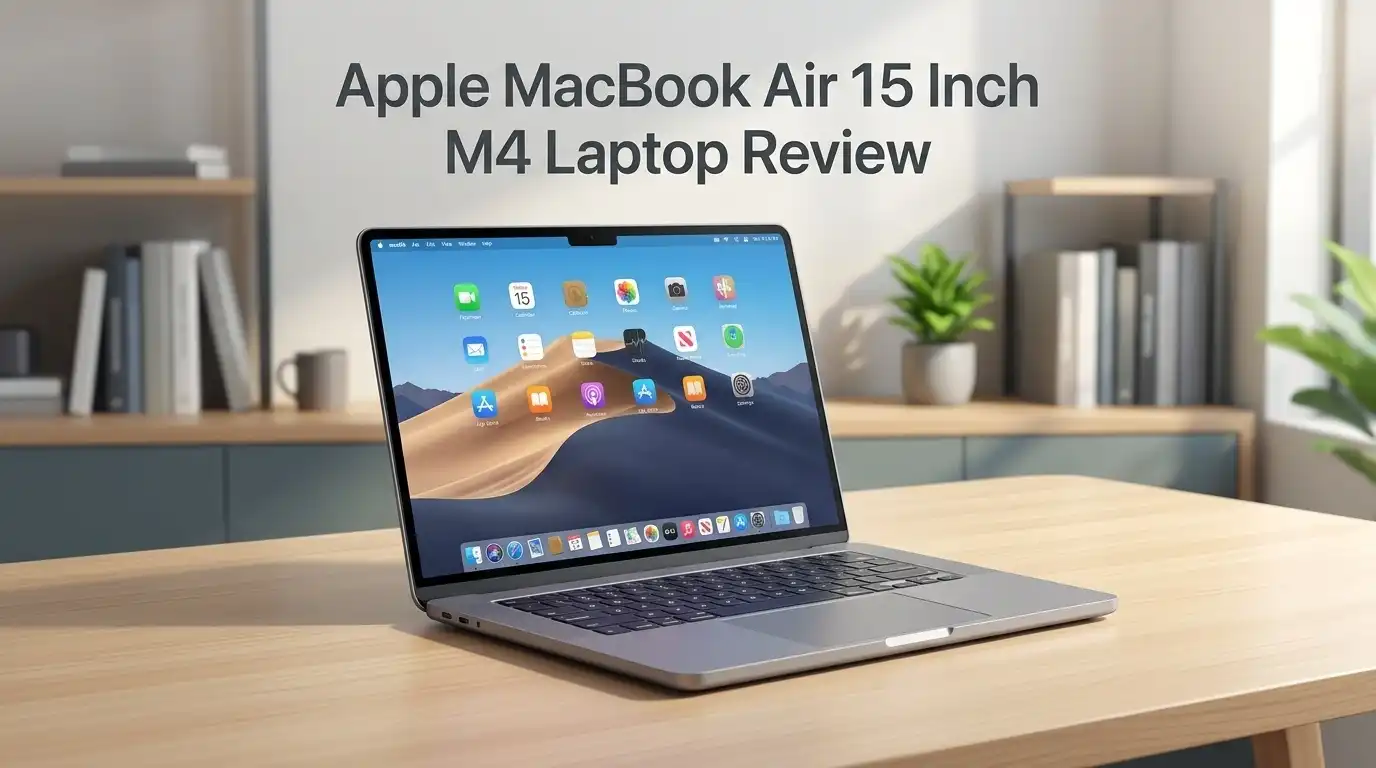
Apple MacBook Air 15 Inch M4 Laptop Review 2026: Still Worth It?
The MacBook Air 15 inch with the M4 chip sits in a strange and lucky spot in 2026. Apple has already moved on to the M5 version, yet this model keeps selling.
Shoppers keep buying it. The reason is simple. Prices dropped hard, performance stayed strong, and the battery still runs past the 15 hour mark on real tests.
This review covers what the machine does well, what it handles poorly, and whether the M4 version still deserves your money now that a newer chip exists.
Key Takeaways
- Performance still feels current. The 10 core M4 chip scores around 14,900 in Geekbench 6 multi core tests. That beats the M3 Air by a wide margin and keeps pace with premium Windows ultrabooks released in the same window.
- Battery life is the headline feature. Independent testing recorded 15 hours and 14 minutes of mixed web browsing. Apple rates it at 18 hours for video playback. Most people charge this laptop every two days.
- The price is the real reason to buy in 2026. The 256GB model launched at $1,199 and has repeatedly dropped to $999 or lower since Apple released the M5 refresh. That makes it one of the best value Macs available.
- Port selection remains the biggest flaw. You get two Thunderbolt 4 ports, MagSafe 3, and a headphone jack. That is it. The large chassis had room for a third port and Apple chose not to add one.
- It is not a gaming machine or a heavy video workstation. Modern AAA titles struggle. Long 4K exports will slow down because the Air has no cooling fan.
- 16GB of RAM comes standard. That single change makes the base model genuinely usable for years instead of feeling cramped on day one.
Apple MacBook Air 15 Inch M4 Laptop

- SPEED OF LIGHTNESS — MacBook Air with the M4 chip lets you blaze through work and play. With Apple Intelligence,* up to 18 hours of battery life,* and an incredibly portable design, you can take on anything, anywhere.
- SUPERCHARGED BY M4 — The Apple M4 chip brings even more speed and fluidity to everything you do, like working between multiple apps, editing videos, or playing graphically demanding games.
Some of the links on this website are affiliate links, which means that at no additional cost to you, I earn a commission if you click through and make a purchase. I only recommend products and services that I believe will add value to my readers. Thank you for your support!
The MacBook Air 15 inch M4 pairs a 15.3 inch Liquid Retina display with Apple’s M4 chip, 16GB of unified memory, and a 12MP Center Stage camera. It weighs 3.3 pounds and measures 0.45 inches thick. Apple sells it in Sky Blue, Silver, Starlight, and Midnight.
The machine targets students, writers, office workers, and anyone who wants a big screen without a heavy bag. It uses no fan, so it runs silent at all times.
Nothing you do will make this laptop make noise. Touch ID sits in the top right corner and unlocks the machine instantly. The base model ships with 256GB of storage, which fills up fast if you store photos or video locally.
The Unboxing Experience
Apple keeps the box slim and simple. You lift the lid and the laptop sits right on top under a thin protective sheet. No foam. No plastic wrap waste. The laptop feels cool and dense in your hands the moment you lift it.
Under the laptop you find a woven USB C to MagSafe 3 cable in a matching color. The braided cable feels far better than the old white plastic ones. You also get a 35W dual port power adapter on most configurations. A small envelope holds the Apple stickers, a thin manual, and the warranty card.
Setup takes about four minutes. The screen lights up the second you open the lid. If you own an iPhone, it transfers your Wi Fi and Apple ID automatically. The whole process feels polished in a way that budget laptops never match.
Top 3 Alternatives for Apple MacBook Air 15 Inch M4
If the M4 Air does not fit your needs, these three Macs cover the gaps above and below it.

- SPEED OF LIGHTNESS — MacBook Air with the M4 chip lets you blaze through work and play. With Apple Intelligence,* up to 18 hours of battery life,* and an incredibly portable design, you can take on anything, anywhere.
- SUPERCHARGED BY M4 — The Apple M4 chip brings even more speed and fluidity to everything you do, like working between multiple apps, editing videos, or playing graphically demanding games.
Some of the links on this website are affiliate links, which means that at no additional cost to you, I earn a commission if you click through and make a purchase. I only recommend products and services that I believe will add value to my readers. Thank you for your support!
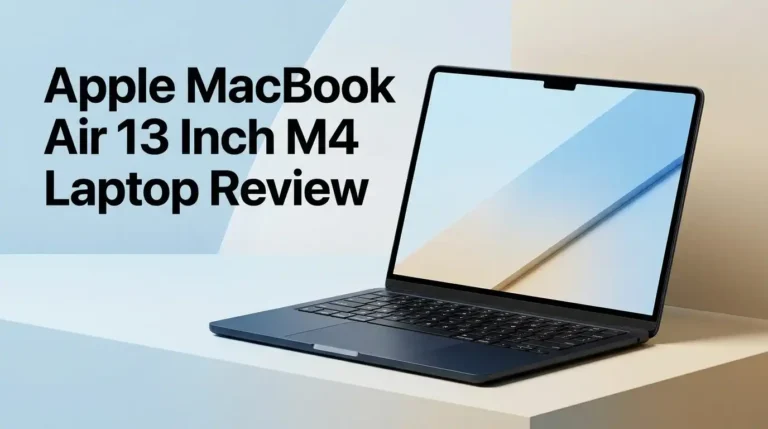
Apple MacBook Air 13 Inch M4

- MIGHT TAKES FLIGHT — MacBook Air with the M5 chip packs blazing speed and powerful AI capabilities into an incredibly portable design. With Apple Intelligence,* up to 18 hours of battery life,* and fast SSD storage starting from 512GB,* you can work, create, and play anywhere life takes you.
- SUPERCHARGED BY M5 — With its faster CPU and unified memory, the M5 chip delivers even more performance and fluidity across apps, making multitasking and creative workflows smooth and responsive. A powerful Neural Engine and next-generation GPU with Neural Accelerators give you a powerful platform for AI.

Some of the links on this website are affiliate links, which means that at no additional cost to you, I earn a commission if you click through and make a purchase. I only recommend products and services that I believe will add value to my readers. Thank you for your support!
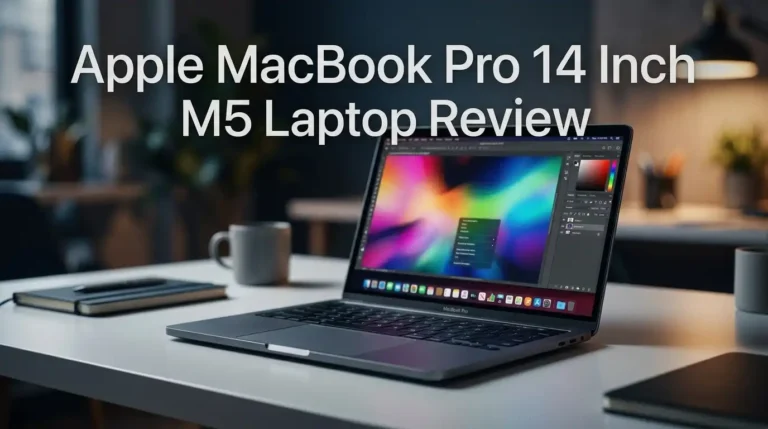
Apple MacBook Air 15 Inch M5

- SUPERCHARGED BY M4 — The 14-inch MacBook Pro with M4 chip gives you spectacular performance in a powerhouse laptop built for Apple Intelligence.* With all-day battery life and a breathtaking Liquid Retina XDR display with up to 1600 nits peak brightness, it’s pro in every way.*
- CHAMPION CHIP — The M4 chip brings spectacular speed and capability to blaze through everyday activities and multitask across multiple productivity and pro apps.
Some of the links on this website are affiliate links, which means that at no additional cost to you, I earn a commission if you click through and make a purchase. I only recommend products and services that I believe will add value to my readers. Thank you for your support!
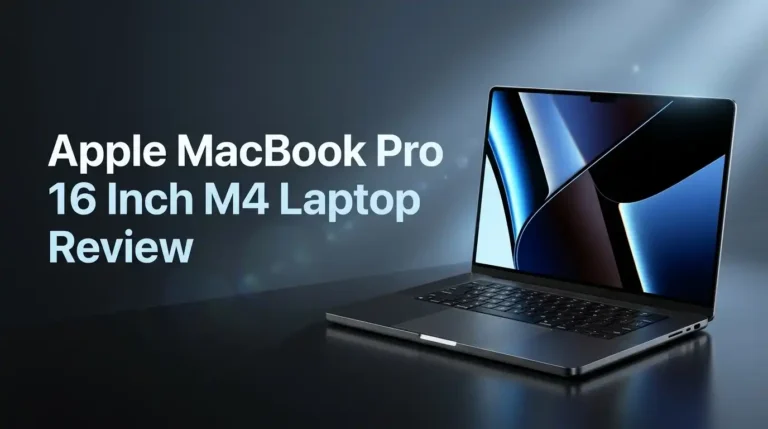
Apple MacBook Pro 14 Inch M4
Design and Build Quality
Apple did not redesign the Air for the M4 generation. The chassis matches the M3 model almost exactly. That sounds lazy, and it partly is, but the design still holds up in 2026. The aluminum shell shows no flex. The hinge opens with one finger and stops exactly where you place it.
The new Sky Blue color is the only visual change. Calling it blue stretches the truth. It looks like silver with a faint tint unless you hold it next to a Starlight model under good light. Several buyers expected something bolder.
At 3.3 pounds, the 15 inch Air weighs more than most 14 inch rivals but keeps a similar footprint. It slides into any standard laptop sleeve. The bezels are thin enough that your eyes stop noticing them after a day.
Display Quality and Real World Brightness
The 15.3 inch Liquid Retina panel runs at 2880 x 1864 pixels with 224 pixels per inch. Text looks razor sharp. Photos look accurate. Measured brightness landed around 476 nits, which beats most Windows laptops in this price bracket.
Here is the honest limitation. This is an LCD panel locked at 60Hz. Competing laptops near $1,000 now ship OLED screens with 120Hz refresh rates. Blacks look gray next to an OLED. Scrolling feels less fluid than on a MacBook Pro.
In daily use, none of that ruins the experience. Color accuracy measured at 0.22 Delta E, which is excellent. The panel covers 118 percent of sRGB. You will only notice the gap if you place an OLED laptop right beside it. Direct sunlight remains the one situation where the screen struggles.
M4 Chip Performance in Daily Work
The M4 brings a real speed jump over the M3, not a token one. In video transcoding tests, the M4 Air finished a 4K to 1080p conversion in under five minutes. The M3 needed over seven and a half minutes for the same job.
For normal work, the chip never breaks a sweat. I ran three browser windows with roughly twenty tabs total, including two 1080p video streams, while Spotify played and Slack sat open. No slowdown appeared. Lightroom edits applied instantly on 45MP raw files.
The fanless design sets the ceiling. Short bursts of heavy work run fast. Sustained loads lasting ten minutes or more cause the chip to throttle because heat has nowhere to go. The hottest surface point measured 90 degrees Fahrenheit, which still feels comfortable on your lap.
Battery Life That Actually Lasts
Battery life remains the strongest reason to own this laptop. Testing recorded 15 hours and 14 minutes of continuous web browsing at 150 nits brightness. Video playback tests pushed past 18 hours.
In practice, a normal workday of writing, email, video calls, and music drained roughly 45 percent of the battery over eight hours. I stopped carrying a charger to the office. Weekend trips need no charger either.
Some owners report weaker numbers, usually around eight to ten hours. The cause is almost always background indexing during the first week, high brightness, or demanding apps like Chrome with heavy extensions. Safari stretches the battery noticeably further than Chrome does.
The 35W dual port adapter refills the battery to about 50 percent in 35 minutes. The second USB C port on the adapter charges your phone at the same time.
Keyboard and Trackpad Experience
The scissor switch keyboard delivers around 1mm of travel. That is shallow, but the keys respond crisply and quietly. I typed 94 words per minute with 99 percent accuracy on this machine, which beat my usual average.
Long writing sessions caused no finger fatigue. The backlight adjusts automatically and stays even across the board. The function row includes dedicated keys for brightness, Spotlight, and dictation.
The trackpad measures 5.8 x 3.6 inches and remains the best in the industry. Gestures register every time. Palm rejection works so well you forget it exists. No Windows laptop has matched this trackpad yet.
The one complaint involves key travel. If you come from a mechanical keyboard, the typing feel will seem flat for the first week. Most people adjust quickly.
Webcam, Microphones, and Speakers
The 12MP Center Stage camera is a genuine upgrade. It produces a sharp, well exposed image even when light comes from behind you. Center Stage keeps you framed if you shift in your chair. Desk View shows your desk and your face at once, which helps for tutorials.
The three microphone array handles voice clearly. Callers reported no complaints about echo or background noise in a normal room.
The six speaker system fills a medium room with clean, loud sound. Vocals and mids sound excellent. Bass is weak, which is expected from a chassis this thin. Spatial Audio adds a convincing sense of width when you watch films. For casual listening and video calls, the speakers are more than enough. For music production, use headphones.
Ports and Connectivity Limits
This is where the MacBook Air 15 inch M4 frustrates people. You get two Thunderbolt 4 ports, a MagSafe 3 charging port, and a 3.5mm headphone jack. Both USB ports sit on the left side. The right side is completely empty.
The 15 inch chassis clearly has room for a third port. Apple left it out to protect MacBook Pro sales. If you connect an external drive and a monitor, you have no ports left.
MagSafe helps because charging does not consume a Thunderbolt port. The M4 chip also supports two external displays with the lid open, which the M3 could not do.
Wireless support covers Wi Fi 6E and Bluetooth 5.3. There is no SD card slot and no HDMI port. Most owners end up buying a USB C hub.
Apple Intelligence and macOS in 2026
The M4 chip runs every Apple Intelligence feature without stutter. Writing Tools rewrite and summarize text across apps. Notification summaries cut down on phone checking. Image Playground and Genmoji create images on device. Siri now passes complex questions to ChatGPT when needed.
These features work, but they rarely feel essential. Apple Intelligence remains useful rather than transformative. The more valuable software story is macOS itself, which runs smoothly, avoids bloatware, and connects cleanly to iPhone and iPad.
Handoff, Universal Clipboard, and iPhone Mirroring all work reliably. If you own other Apple devices, the ecosystem benefits add real daily value. Apple supports MacBooks with software updates for roughly seven years, so this machine should receive new macOS versions well past 2030.
Gaming and Graphics Reality Check
Let me be direct. This laptop is not for gaming. The 10 core GPU handles older and lighter titles fine. Civilization VI ran at about 45 frames per second at 1080p. Shadow of the Tomb Raider managed 31 frames per second.
Borderlands 3 dropped to roughly 19 frames per second, which falls below playable. Modern AAA games either run poorly or do not exist on macOS at all.
Apple Arcade titles, indie games, and cloud gaming through GeForce Now all work well. Resident Evil Village and Death Stranding run through Apple’s ported versions at reduced settings.
The fanless design also means long gaming sessions trigger throttling. Frame rates that start acceptable drop after fifteen minutes. If gaming matters to you, buy a Windows gaming laptop instead.
Pros and Cons of the MacBook Air 15 Inch M4
Pros
- Battery lasts over 15 hours in real browsing tests, so most people charge it every second day
- The M4 chip delivers a large speed jump over the M3, especially in video and photo work
- 16GB of RAM comes standard on the base model, which keeps it usable for years
- Completely silent operation because the design uses no fan at all
- Bright 476 nit display with excellent color accuracy for the price
- Best in class trackpad and a sharp 12MP Center Stage webcam
- Big price drops in 2026 make it a strong value, often near $999
- Light at 3.3 pounds despite the large 15.3 inch screen
Cons
- Only two USB C ports, both on the same side of the laptop
- LCD panel locked at 60Hz while rivals offer OLED and 120Hz
- Storage and memory upgrades cost far more than market rates
- No fan means sustained heavy workloads throttle performance
- 256GB base storage fills quickly and cannot be upgraded later
- Sky Blue color looks almost identical to Silver
- Weak bass from the speakers
- Poor choice for modern gaming
What This Laptop Does Not Do Well
Honest reviews list the failures, so here they are clearly. Heavy video editing hits a wall. Exporting a 20 minute 4K project causes thermal throttling within minutes, and the render takes noticeably longer than on a MacBook Pro.
Storage upgrades are the worst value in the lineup. Moving from 256GB to 512GB costs $200. An equivalent external SSD costs a fraction of that.
The laptop also does not repair easily. Memory and storage are soldered. A damaged screen costs hundreds to fix without AppleCare.
Direct sunlight defeats the display. Outdoor work on a bright day is uncomfortable.
Finally, the design feels stale. Three generations have shared the same chassis. Buyers who want something fresh will feel underwhelmed the moment they open the box.
Price and Configurations in 2026

- SPEED OF LIGHTNESS — MacBook Air with the M4 chip lets you blaze through work and play. With Apple Intelligence,* up to 18 hours of battery life,* and an incredibly portable design, you can take on anything, anywhere.
- SUPERCHARGED BY M4 — The Apple M4 chip brings even more speed and fluidity to everything you do, like working between multiple apps, editing videos, or playing graphically demanding games.
Some of the links on this website are affiliate links, which means that at no additional cost to you, I earn a commission if you click through and make a purchase. I only recommend products and services that I believe will add value to my readers. Thank you for your support!
The M4 Air launched at $1,199 for 16GB of RAM and 256GB of storage. Since the M5 refresh arrived, retail prices have fallen sharply. The 256GB model has sold at $999 or less during sales, and the 512GB version often sits near $1,199.
Students, parents of students, teachers, and school staff can take another $100 off through Apple’s education store.
My advice on configuration is simple. Buy 512GB if you plan to keep the laptop five years or more. Skip the RAM upgrade unless you run virtual machines or large code projects. The $200 jump to 24GB pushes the price into MacBook Pro territory.
AppleCare Plus costs about $69.99 per year and reduces screen repair costs to $99.
Who Should Buy This Laptop
Buy the MacBook Air 15 inch M4 if you write, study, browse, stream, build spreadsheets, or edit photos. It handles all of that with power to spare and silence throughout.
It suits students perfectly. The battery survives a full day of classes. The weight does not punish your back. The large screen reduces eye strain during long study sessions.
It also fits remote workers who live in video calls, because the webcam quality genuinely stands out.
Skip it if you render video daily, compile large codebases, game seriously, or need many ports. Those users should look at the MacBook Pro 14 inch instead.
If you already own an M3 Air, the upgrade is hard to justify. If you own an Intel Mac or an M1 Air, the jump feels enormous.
Final Verdict
The MacBook Air 15 inch M4 earns a strong recommendation in 2026 for one clear reason. It offers roughly 90 percent of what most people need from a laptop at a price that keeps falling.
The M4 chip stays fast. The battery outlasts your workday. The screen looks great. The build quality feels premium in a way that cheaper laptops never replicate.
The port shortage annoys. The 60Hz LCD lags behind OLED rivals. Upgrade pricing stings. None of those issues break the experience for a typical buyer.
Rating: 4.5 out of 5. The arrival of the M5 made this the smart value pick rather than the newest option. If you find it near $999, buy it without hesitation. You get a laptop that will serve you well past 2030.
Frequently Asked Questions
Is the MacBook Air 15 inch M4 still worth buying in 2026?
Yes, especially at discounted prices. The M4 chip handles everyday work, photo editing, and office tasks with ease. The M5 version offers maybe 15 to 20 percent more speed for a higher price. Most buyers will not notice that difference during normal use, which makes the M4 the better value today.
How long does the MacBook Air 15 inch M4 battery last?
Independent testing measured 15 hours and 14 minutes of continuous web browsing. Apple rates it at 18 hours for video streaming. Real world usage with mixed tasks typically delivers 11 to 14 hours. Safari extends battery life noticeably compared with Chrome.
Is 256GB enough storage for the MacBook Air M4?
It works if you store files in iCloud or use an external drive. It fills quickly if you keep large photo libraries, video projects, or many applications locally. I recommend 512GB for anyone planning to keep the laptop longer than three years, since storage cannot be upgraded later.
Can the MacBook Air 15 inch M4 handle video editing?
It handles 1080p and light 4K editing in Final Cut Pro and DaVinci Resolve without trouble. Long exports cause thermal throttling because the laptop has no fan. Professional editors working on long 4K or 8K timelines should choose the MacBook Pro.
Does the MacBook Air M4 support two external monitors?
Yes. The M4 chip supports two external displays while the laptop lid stays open, which the M3 model could not do. You will need both Thunderbolt ports or a dock, since the laptop only has two USB C ports total.
Should I upgrade from a MacBook Air M3 to the M4?
No, the gains do not justify the cost. The M4 is faster and adds a better webcam, but the M3 remains capable. Owners of Intel Macs or the M1 Air will see a dramatic improvement and should consider the switch.

Welcome to The File Fix. I’m Millie, and I review tech so you don’t have to suffer buyer’s remorse.
Navigating the endless sea of Amazon devices and gadget releases can feel like a full-time job. That’s why I do the heavy lifting. I dig past the unreliable 5-star reviews and shiny spec sheets to test how these devices actually hold up in the real world. Whether you’re looking for the best budget earbuds, a reliable power bank, or the latest smart home gear, you’ll find honest, no-nonsense breakdowns here.