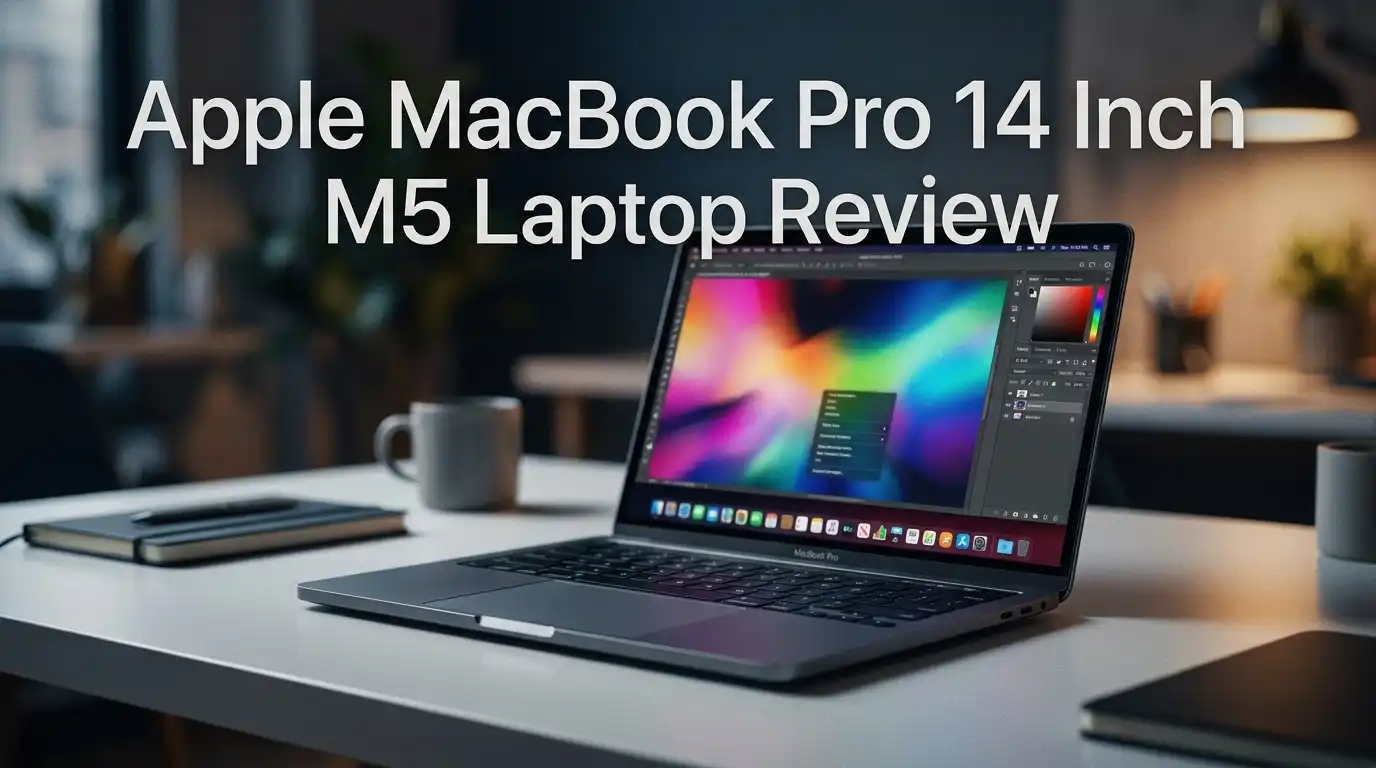
Apple MacBook Pro 14 Inch M5 Laptop Review 2026: Worth Upgrading?
Apple shipped the M5 MacBook Pro with almost no visual changes. The lid looks the same. The ports sit in the same spots. The weight has not moved a single gram. So most shoppers assume this is a lazy refresh and scroll past it.
That assumption costs people money. The M5 chip hides a genuine leap in graphics and AI speed, and the numbers are not subtle.
Graphics rendering jumped by sixty to seventy percent over the M4. AI workloads on the GPU more than doubled. Cyberpunk 2077 now runs on a base model MacBook Pro.
In A Nutshell:
- The M5 chip is the entire story. Apple added a Neural Accelerator to every one of the ten GPU cores. That single change doubled GPU based AI scores and pushed graphics rendering up by sixty to seventy percent over the M4. Multi core CPU gains sit around nineteen percent.
- The design did not change at all. You get the same 3.4 pound aluminum body, the same 0.61 inch thickness, the same Silver and Space Black finishes, and the same notch. If you already own an M4 model, nobody will notice your new laptop.
- Battery life is strong but slightly worse. Our reference testing showed roughly 24 hours of video playback. Last year’s M4 hit 28 hours. The extra power costs you about four hours of runtime.
- The price went up in mid 2026. Apple raised the base price from $1,599 to $1,999 after memory and storage costs climbed. That changes the value math significantly.
- Thunderbolt 5 is missing. The ports still cap at 40Gbps. WiFi is still 6E. Bluetooth is still 5.3. These are 2026 disappointments on a premium machine.
- Best for creators, developers, and local AI users. Anyone on an M1 or M2 machine gains a huge amount. M4 owners should probably wait.
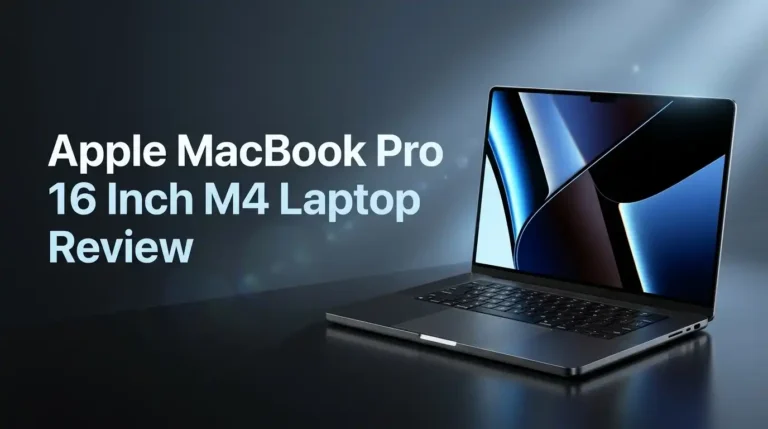
Apple MacBook Pro 14 Inch M5 Laptop

- SUPERCHARGED BY M5 — The 14-inch MacBook Pro with M5 brings next-generation speed and powerful on-device AI to personal, professional, and creative tasks. Featuring all-day battery life and a breathtaking Liquid Retina XDR display with up to 1600 nits peak brightness, it’s pro in every way.*
- HAPPILY EVER FASTER — Along with its faster CPU and unified memory, M5 features a more powerful GPU with a Neural Accelerator built into each core, delivering faster AI performance. So you can blaze through demanding workloads at mind-bending speeds.
Some of the links on this website are affiliate links, which means that at no additional cost to you, I earn a commission if you click through and make a purchase. I only recommend products and services that I believe will add value to my readers. Thank you for your support!
The MacBook Pro 14 inch with M5 sits at the entry point of Apple’s professional laptop line. It arrived in late 2025 and remains the value pick inside the Pro family through 2026.
The base version carries a 10 core CPU with four performance cores and six efficiency cores, a 10 core GPU, a 16 core Neural Engine, 16GB of unified memory, and a 512GB SSD.
Memory bandwidth reaches 153GB per second. That matters for anyone loading large local AI models. You can configure the machine up to 32GB of memory and 4TB of storage.
This is not a redesigned laptop. It is a chassis you already know with a far faster brain inside. Apple built it on a third generation 3 nanometer process, and the efficiency gains show up in sustained workloads rather than short bursts.
Unboxing Experience
The box arrives small, flat, and entirely fiber based. No plastic wrap. No foam. Apple removed every piece of plastic from the retail packaging, and the cardboard feels thick enough to reuse.
Lift the lid and the laptop sits face up under a paper sleeve. Pull the tab and the machine slides out. Underneath you find a 70W USB C power adapter, a two meter USB C to MagSafe 3 cable in braided fabric, and a thin documentation folder.
If you ordered the nano texture display option, Apple includes a polishing cloth. Standard glossy buyers do not get one.
The MagSafe cable color matches your finish. Space Black units ship with a black braided cable, and it looks genuinely sharp. The whole process takes under a minute. Apple has turned unboxing into something clean rather than ceremonial, and honestly that feels right for a work tool.
Design and Build Quality
Apple changed nothing here. The chassis measures 0.61 inch thick, 12.31 inches wide, and 8.71 inches deep. Weight sits at 3.4 pounds. Open the lid with one finger and the hinge holds firm at any angle.
The aluminum enclosure uses 100 percent recycled aluminum. The whole device contains 45 percent recycled content, including recycled cobalt in the battery and recycled rare earth elements in the magnets.
Build quality remains the benchmark the rest of the industry chases. No flex in the keyboard deck. No creak in the lid. No sharp edges on the palm rest.
The downside is familiarity. This design launched in 2021. Five years later the display notch still sits there, the bezels are still thick by 2026 standards, and the body is noticeably heavier than most Windows ultraportables in the same price band.
Top 3 Alternative for Apple MacBook Pro 14 Inch M5

- FAST RUNS IN THE FAMILY — The 14-inch MacBook Pro with the M5 Pro or M5 Max chip brings next-generation speed and powerful on-device AI to personal, professional, and creative tasks. With all-day battery life, double the starting storage,* and a breathtaking Liquid Retina XDR display, it’s pro in every way.*
- BUCKLE UP — Along with a next-generation CPU, faster unified memory, and up to 2x faster SSD storage,* M5 Pro and M5 Max feature a more powerful GPU with a Neural Accelerator built into each core, delivering faster AI performance and on-device training capabilities. So you can blaze through demanding workloads at mind-bending speeds.

Some of the links on this website are affiliate links, which means that at no additional cost to you, I earn a commission if you click through and make a purchase. I only recommend products and services that I believe will add value to my readers. Thank you for your support!
Apple MacBook Pro 14 Inch M5 Pro

- SPEED OF LIGHTNESS — MacBook Air with the M4 chip lets you blaze through work and play. With Apple Intelligence,* up to 18 hours of battery life,* and an incredibly portable design, you can take on anything, anywhere.
- SUPERCHARGED BY M4 — The Apple M4 chip brings even more speed and fluidity to everything you do, like working between multiple apps, editing videos, or playing graphically demanding games.
Some of the links on this website are affiliate links, which means that at no additional cost to you, I earn a commission if you click through and make a purchase. I only recommend products and services that I believe will add value to my readers. Thank you for your support!
Apple MacBook Air 15 Inch M4

- SUPERCHARGED BY M4 — The 14-inch MacBook Pro with M4 chip gives you spectacular performance in a powerhouse laptop built for Apple Intelligence.* With all-day battery life and a breathtaking Liquid Retina XDR display with up to 1600 nits peak brightness, it’s pro in every way.*
- CHAMPION CHIP — The M4 chip brings spectacular speed and capability to blaze through everyday activities and multitask across multiple productivity and pro apps.
Some of the links on this website are affiliate links, which means that at no additional cost to you, I earn a commission if you click through and make a purchase. I only recommend products and services that I believe will add value to my readers. Thank you for your support!
Apple MacBook Pro 14 Inch M4
Liquid Retina XDR Display Quality
The 14.2 inch mini LED panel runs at 3024 by 1964 pixels and 254 pixels per inch. Contrast hits 1,000,000 to 1. HDR content peaks at 1600 nits, with 1000 nits sustained across the full screen.
Apple made one quiet improvement this generation. SDR brightness now climbs to 1000 nits outdoors, up from 600 nits on older models. Working on a patio is finally realistic.
ProMotion delivers adaptive refresh rates up to 120Hz. Scrolling feels liquid. Color coverage spans the full P3 gamut with one billion colors and True Tone.
The nano texture option costs extra and kills reflections completely. It also attracts fingerprints and smudges, and cleaning it properly requires the included cloth. Measured brightness on review units came in slightly below the M4 model, though the difference is invisible without a calibration tool.
M5 Chip Performance In Real Work
The CPU side improved by roughly nineteen percent in multi core tests against the M4. Single core results lead the entire laptop market, including chips with far higher core counts.
Photoshop automation finished noticeably faster, with the M5 pulling ahead of every comparison machine by a wide margin. HandBrake video transcoding improved only slightly over the M4, which shows the CPU gains are real but not revolutionary.
Code compiling benefits the most. Apple claims up to twenty percent faster multithreaded performance for build tasks, and developer reports line up with that figure.
Blender CPU rendering also edged ahead across all three test scenes. Daily work like fifty browser tabs, Slack, Xcode, and a video call never produced a stutter. The fans stayed silent during normal office tasks and only spun up under sustained rendering.
Graphics And Gaming Performance
This is where the M5 earns its keep. Graphics rendering in Blender improved by sixty to seventy percent over the M4. Both chips have ten GPU cores, so the gain comes entirely from architecture.
Apple added third generation ray tracing hardware, improved shader cores, and dynamic on chip caching. The result beats almost every integrated graphics competitor by an embarrassing margin.
Cyberpunk 2077 approached 30fps at 1200p on Ultra settings. Drop to low detail with frame generation enabled and frame rates pass 100fps. Total War Warhammer 3 also improved across the board.
MetalFX Frame Interpolation is the headline gaming feature. It generates frames between rendered frames, similar to DLSS on Nvidia hardware.
Ray traced gaming is still not practical. Those tests produced around 6fps. Playable ray tracing needs the Pro or Max chips.
AI And Machine Learning Speed
Apple put a Neural Accelerator inside each of the ten GPU cores. That decision changed everything for local AI work.
GPU based AI benchmark scores more than doubled in both half precision and quantized tests. Apple claims total AI performance across CPU, GPU, and Neural Engine runs four times better than the M4. Independent testing supports the claim.
For practical use, local language models load faster and generate tokens quicker. The 153GB per second memory bandwidth helps, though it still trails the Pro and Max chips by a wide margin.
If you plan to run large models locally, buy more memory than you think you need. The 16GB base configuration fills up fast with a 13 billion parameter model plus a browser.
Image generation, transcription, and background removal in creative apps all finished visibly faster than on M4 hardware.
Battery Life In Daily Use
The 72.4 watt hour battery delivers up to 24 hours of video streaming and up to 16 hours of wireless web browsing according to Apple. Independent video playback testing landed at 24 hours and 6 minutes, which matches the claim exactly.
Mixed real world use produces different numbers. Light work with browsing, documents, and email returns roughly 16 hours. Heavy editing or compiling drops that to five or six hours.
Here is the honest part. Last year’s M4 model delivered 28 hours in the same video test. The M5 trades about four hours of runtime for its performance gains.
Charging works through MagSafe 3 or any Thunderbolt port. Fast charging requires a 96W or higher adapter, and the included 70W brick is not fast charge capable. That feels stingy on a laptop at this price.
Keyboard, Trackpad, And Speakers
The backlit Magic Keyboard carries 78 keys with full height function keys and Touch ID in the power button. Key travel feels shallow but precise. Typing for several hours produces no fatigue.
The Force Touch trackpad remains the best in the industry. It is large, glass covered, and the haptic click feels identical at every corner. Palm rejection works reliably.
The six speaker system genuinely surprises people. Force cancelling woofers produce real bass from a laptop this thin. Spatial Audio with Dolby Atmos support makes movies enjoyable without headphones.
The three microphone array uses directional beamforming and handles video calls cleanly. Voice Isolation cuts background noise effectively.
My one complaint stays the same as previous generations. Function row keys feel cramped, and the lack of a physical escape key separation annoys some developers.
Ports And Connectivity
Apple kept the full port selection, and that remains a genuine advantage. You get three Thunderbolt 4 ports, an HDMI port, an SDXC card slot, a 3.5mm headphone jack, and MagSafe 3.
The headphone jack supports high impedance headphones. The SD slot saves photographers from carrying dongles. HDMI handles external monitors directly.
External display support covers two monitors at 6K and 60Hz, or a single 8K display at 60Hz.
Now the bad news. Thunderbolt 4 caps at 40Gbps. Thunderbolt 5 has existed as a standard for three years and doubles that bandwidth. Apple reserved it for the Pro and Max chips.
Wireless support is worse. WiFi 6E and Bluetooth 5.3 in 2026 feel outdated when competing laptops ship WiFi 7 at lower prices. Anyone with a WiFi 7 router gains nothing here.
Camera, Software, And Apple Intelligence
The 12MP Center Stage camera records 1080p video and keeps you framed automatically. Desk View shows your desk surface during calls. Image quality is clearly better than older 1080p MacBook cameras, though it still trails a dedicated webcam in low light.
macOS Tahoe brings the Liquid Glass design, a system wide Spotlight overhaul, a Phone app for Mac, and Live Translation inside Messages and FaceTime.
Apple Intelligence handles writing tools, Genmoji, Image Playground, and intelligent Shortcuts actions on device.
Honest assessment of Apple Intelligence: it remains inconsistent. Some features work well. Others feel half finished compared to standalone AI tools. Server backed features also carry daily usage limits that Apple plans to monetize later.
The hardware is ready for on device AI. The software has not fully caught up yet.
Pros And Cons
Pros
- Massive graphics jump of sixty to seventy percent over the M4 with no increase in power draw.
- AI performance roughly four times faster across CPU, GPU, and Neural Engine combined.
- Class leading single core speed that beats chips with far more cores.
- 24 hour video battery life that matches Apple’s marketing claim in real testing.
- Excellent 1600 nit Liquid Retina XDR display with 120Hz ProMotion.
- Full port selection including HDMI, SD card slot, and MagSafe 3.
- Outstanding speakers, trackpad, and build quality that competitors still cannot match.
- Completely silent under normal workloads.
Cons
- Price increased to $1,999 in mid 2026 from the original $1,599 launch price.
- Battery life dropped about four hours versus the M4 model.
- No Thunderbolt 5, still limited to 40Gbps.
- WiFi 6E and Bluetooth 5.3 are behind the competition.
- Base 16GB memory and 512GB storage feel tight for pro work.
- Upgrade pricing is brutal at $400 for extra memory and $200 for storage.
- Design is five years old with a visible notch.
- Heavier than most 14 inch Windows rivals.
What This Laptop Does Not Do Well
Authentic reviews name the failures. Here are the real ones.
Professional video editing hits walls. Review testing found the M5 threw errors on demanding Premiere Pro and DaVinci Resolve benchmark projects. Heavy multicam timelines need an M5 Pro or M5 Max.
Ray traced gaming is not viable. Six frames per second is a technical demo, not gameplay.
The base storage is too small. A 512GB SSD fills quickly with Xcode, Final Cut libraries, or local AI models. Apple charges $200 to reach 1TB and does not allow user upgrades.
Thermal headroom is limited. Sustained multi hour renders cause the fans to spin audibly and performance settles below peak.
Value suffered after the price hike. At $1,599 this was an easy recommendation. At $1,999 the MacBook Air M4 and discounted M4 Pro models look far more attractive for many buyers.
Who Should Buy The MacBook Pro 14 Inch M5
Buy it if you own an M1 or M2 machine. The performance difference is enormous, and battery health on those devices is probably declining anyway.
Buy it if you run local AI models, do 3D work, compile code daily, or edit photos professionally. The GPU and Neural Accelerator gains translate directly into saved hours.
Buy it if you want a Mac that handles gaming reasonably well for the first time.
Skip it if you own an M4 MacBook Pro. The gains are real but not worth $1,999 one year later.
Skip it if your work is email, documents, browsing, and video calls. The MacBook Air M4 does all of that for hundreds less and weighs noticeably less.
Skip it if you need Thunderbolt 5, WiFi 7, or more than two external displays. Look at the M5 Pro instead.
Final Verdict On The Apple MacBook Pro 14 Inch M5
- SUPERCHARGED BY M5 — The 14-inch MacBook Pro with M5 brings next-generation speed and powerful on-device AI to personal, professional, and creative tasks. Featuring all-day battery life and a breathtaking Liquid Retina XDR display with up to 1600 nits peak brightness, it’s pro in every way.*
- HAPPILY EVER FASTER — Along with its faster CPU and unified memory, M5 features a more powerful GPU with a Neural Accelerator built into each core, delivering faster AI performance. So you can blaze through demanding workloads at mind-bending speeds.
Some of the links on this website are affiliate links, which means that at no additional cost to you, I earn a commission if you click through and make a purchase. I only recommend products and services that I believe will add value to my readers. Thank you for your support!
The M5 MacBook Pro 14 inch is a genuinely excellent laptop held back by 2026 pricing and a few dated components. The chip inside represents Apple’s biggest single generation leap in graphics and AI since Apple Silicon launched.
The display, speakers, trackpad, and build quality remain the best available at any price. Battery life still clears a full working day with room to spare.
The frustrations are real though. No Thunderbolt 5. No WiFi 7. A design entering its sixth year. And a $400 price increase that arrived without any hardware change.
My rating sits at 4.5 out of 5. It earns that score on performance and craftsmanship. It loses half a point on value and connectivity.
Watch for discounts. Retailers have cut $350 off the 1TB model during sale periods, and that price makes the decision easy.
Frequently Asked Questions
Is the M5 MacBook Pro worth it over the M4?
For most M4 owners, no. The CPU gain is about nineteen percent, which you will rarely notice in daily work. The graphics and AI gains are large, so 3D artists, game developers, and local AI users benefit. Everyone else should wait for the M6 generation.
How much does the MacBook Pro 14 inch M5 cost in 2026?
The base model now starts at $1,999 after Apple raised prices in June 2026 due to memory and storage component costs. It originally launched at $1,599. Configurations with 1TB storage and more memory push past $2,300, and the maximum configuration reaches roughly $3,349.
Does the M5 MacBook Pro have Thunderbolt 5?
No. It uses three Thunderbolt 4 ports limited to 40Gbps. Thunderbolt 5 appears only on the M5 Pro and M5 Max models. This is one of the most criticized omissions on the base configuration.
How long does the battery actually last?
Video playback testing produced 24 hours and 6 minutes, matching Apple’s claim. Light mixed use returns around 16 hours. Heavy rendering or compiling drops it to five or six hours. The M4 model lasted roughly four hours longer in the same video test.
Is 16GB of memory enough for the M5 MacBook Pro?
For browsing, documents, photo editing, and light video work, yes. For local AI models, large Xcode projects, or multicam video editing, upgrade to 24GB or 32GB. Memory cannot be changed after purchase, so decide carefully at checkout.
Can you play games on the MacBook Pro M5?
Yes, better than any previous base MacBook. Cyberpunk 2077 runs near 30fps at 1200p on Ultra settings and passes 100fps at low settings with frame generation. MetalFX Frame Interpolation helps significantly. Ray traced gaming remains unplayable at around 6fps.
Should I pick nano texture or standard glass?
Choose nano texture if you work near windows or outdoors frequently. It removes reflections completely. Choose standard glossy if you work indoors, since it produces slightly punchier colors and is far easier to clean. Nano texture costs about $150 extra.

Welcome to The File Fix. I’m Millie, and I review tech so you don’t have to suffer buyer’s remorse.
Navigating the endless sea of Amazon devices and gadget releases can feel like a full-time job. That’s why I do the heavy lifting. I dig past the unreliable 5-star reviews and shiny spec sheets to test how these devices actually hold up in the real world. Whether you’re looking for the best budget earbuds, a reliable power bank, or the latest smart home gear, you’ll find honest, no-nonsense breakdowns here.