How To Fix Micro-Cracks In Rollable Smartphone Screens?
Rollable smartphones feel like magic. You extend the screen when you need more space, then roll it back when you want a pocket sized phone. But this clever design comes with a fragile side.
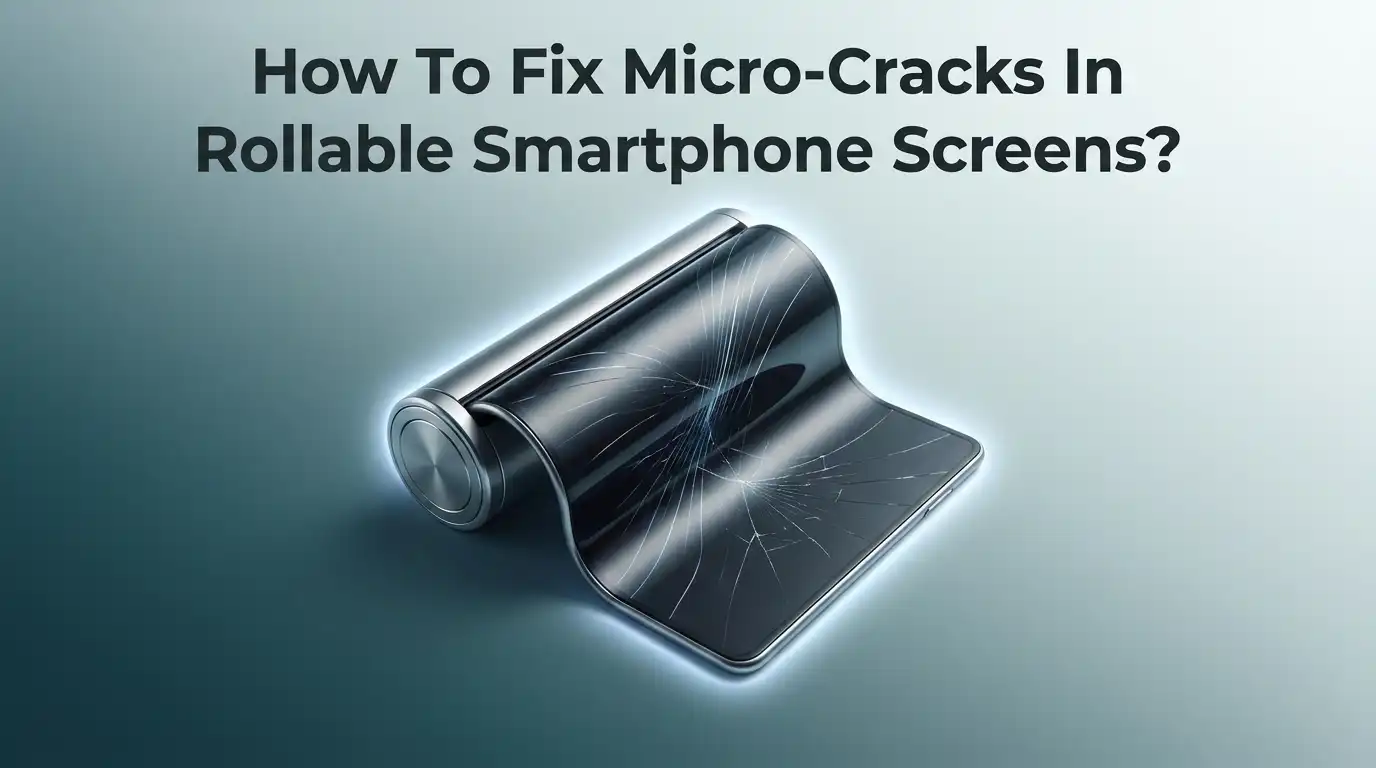
The flexible display uses thin layers that bend thousands of times. Over months, tiny lines can appear across the panel. These are called micro-cracks.
Micro-cracks are small fractures in the display layers. You may not always feel them, but you can often see them under bright light. They start small, then spread. Left alone, they can lead to dead pixels, touch failures, or a fully broken screen.
Key Takeaways:
- Micro-cracks are usually surface layer damage, not glass shatter. Rollable screens use ultra thin glass mixed with flexible polymer layers. Cracks often start in these soft layers first.
- Most micro-cracks cannot be fully “healed” at home. You can hide light ones and stop them from spreading, but deep cracks need a professional panel repair or replacement.
- Temperature is a hidden enemy. Cold weather makes flexible screens stiff and brittle. Rolling the screen in the cold raises the crack risk fast.
- The factory screen protector matters a lot. On many rollable and foldable phones, that protector is part of the display. Peeling it off can trigger cracks.
- Early action saves money. A small crack today is cheaper to fix than a shattered panel later. Regular care beats costly repairs.
- Professional repair is often the safest route. Rollable panels are hard to open. A trained technician protects the delicate flex cables and roller parts.
What Are Micro-Cracks And Why Do They Form?
Micro-cracks are tiny fractures inside your screen. They form in the display stack, which is the group of layers that make the picture.
A rollable screen has an ultra thin glass layer, a plastic polymer layer, and a flexible OLED panel. Each layer bends when you roll the phone.
Every roll puts stress on these layers. Over time, that stress creates weak points. Small fractures start at these weak points. Heat, cold, dust, and pressure make them worse. The rolling motion is the main trigger, because the same spot bends again and again.
You might see faint lines, a hazy patch, or a flicker. Some cracks stay hidden until light hits them. Knowing this helps you catch the problem early.
How To Spot Micro-Cracks Early On Your Rollable Screen
Early detection is your best tool. You can find most micro-cracks with a simple check at home. Do this once a month to stay ahead of the damage.
First, turn off the screen and hold the phone under a bright light. Tilt it slowly and watch for thin lines or spider like marks. These are easier to see on a dark screen. Next, open a plain white image full screen. Look for dark spots, flickers, or color bands.
Then run your finger gently across the surface. You may feel a tiny ridge or catch. Finally, extend and roll the screen a few times. Watch the bend zone closely, since cracks often start there. Write down what you find so you can track changes over time.
First Steps To Take The Moment You Notice A Crack
Quick action limits the damage. The first hours matter. A small crack can spread if you keep using the phone the wrong way.
Start by stopping heavy use. Avoid rolling and unrolling the screen more than needed. Each roll adds stress to the crack. Next, clean the screen with a soft dry cloth. Never press hard or use liquid near the crack. Water can seep in and reach the OLED layer.
Then lower your screen brightness and turn off any auto rotate stress. Keep the phone at room temperature. Do not put it in a hot car or a cold pocket. Finally, back up your data right away. If the screen fails later, your photos and files stay safe. These simple steps buy you time.
Method 1: Applying A New Screen Protector Over Light Cracks
A fresh screen protector can help with very light surface cracks. It does not repair the crack, but it holds things in place. Think of it as a bandage, not a cure.
Choose a flexible film made for rollable or foldable screens. Rigid tempered glass does not bend and can crack the panel further. Clean the screen, then apply the film slowly to avoid bubbles. Press only at the edges, never on the crack itself.
This method works best when the crack is on the top layer only. It stops dust and moisture from entering. It also reduces the chance of the crack spreading from touch pressure.
Pros: cheap, easy, protects against dust and spread, done in minutes.
Cons: it hides but does not fix the crack, wrong type can worsen damage, and it fails on deep fractures.
Method 2: Using Screen Repair Fluids And Fillers
Some people try clear repair fluids sold for phone scratches. These fill tiny surface gaps and make light lines less visible. They can work on shallow scratches on the outer layer.
Apply a small drop with a soft cloth. Spread it in slow circles, then wipe off the extra. Let it cure fully before you touch the screen. Use only a tiny amount, since liquid is dangerous near flexible displays.
Be very careful here. Rollable screens have soft plastic layers, not thick glass. Fluid can seep into the bend zone and reach the OLED. That risk is real.
Pros: low cost, hides light scratches, quick to try at home.
Cons: it only helps surface marks, it does nothing for real micro-cracks, and liquid can damage the delicate inner layers if it leaks in.
Method 3: When And How To Reset Or Recalibrate The Display
Sometimes what looks like a crack is a software glitch. Flickers, ghost lines, or color bands can come from a display bug, not damage. A quick software check saves you from a needless repair.
Start with a simple restart. Hold the power button and reboot the phone. This clears many temporary display errors. Next, check for a system update, since makers often fix screen bugs. Install any pending update, then test the screen again.
If lines remain, boot into safe mode. This turns off third party apps. If the lines vanish, an app was the cause. You can also clear the display cache in settings on some phones.
Pros: free, fast, rules out software problems, no risk to hardware.
Cons: it does nothing for true physical cracks, and it only helps when the issue is software based.
Method 4: Professional Repair From The Manufacturer
For real micro-cracks, the maker is your safest choice. Brands like Samsung, LG, and others who build flexible panels know the exact repair steps. They use the right parts and tools.
Contact the official support line first. Ask if your damage falls under warranty, since some early defects are covered. Send the phone to an authorized center only. Avoid random shops for rollable repairs, because these panels are complex.
The technician replaces the damaged panel or the full screen module. They protect the roller motor and flex cables during the swap. This keeps your phone working like new.
Pros: correct parts, trained staff, keeps warranty valid, protects internal roller parts.
Cons: it costs more, it can take days or weeks, and out of warranty repairs on flexible panels are often expensive.
Method 5: Third Party Repair Shops And Their Limits
A trusted local shop can be a middle option. Some shops handle foldable and flexible screens well. They cost less than the maker in many cases.
Ask about their experience first. A good shop shows past rollable or foldable repairs. Check reviews and ask about the parts they use. Original panels last longer than cheap copies.
Know the limits, though. Many shops lack genuine rollable parts, since these phones are new. A poor repair can break the roller mechanism. Always get a written quote and a warranty on the work.
Pros: cheaper than the maker, faster in some cases, good for older or off warranty phones.
Cons: parts quality varies, few shops know rollable designs, a bad repair can damage the roller, and it voids the maker warranty.
Why You Should Avoid Full DIY Screen Replacement
Some guides suggest replacing the panel yourself. For rollable phones, this is a big risk. These screens are far harder to open than normal phones.
The panel connects to a roller motor and thin flex cables. One wrong move can tear a cable or bend the roller track. The glued layers also need heat to separate. Too much heat melts the plastic layers and ruins the OLED.
Genuine rollable panels are also hard to buy. Most sold online are for foldables, not rollables. A mismatched part will not fit the roller housing.
Pros: in theory it saves labor cost, and it gives full control over the job.
Cons: very high risk of total failure, hard to find real parts, special tools needed, and it wipes out any warranty. For most people, this is not worth it.
How Temperature Affects Micro-Cracks And What To Do
Temperature plays a huge role in screen cracks. Flexible screens use thin glass and plastic. Both react strongly to heat and cold. This is a common cause many people miss.
In cold weather, the layers turn stiff and brittle. Rolling a cold screen puts sharp stress on a rigid panel. That is when cracks form or spread. In hot weather, the glue softens and layers can shift.
Keep your phone near room temperature when you roll it. Warm it in your hand before use on a cold day. Avoid direct sun and hot car dashboards. Never charge the phone under a pillow or blanket, since trapped heat harms the display.
Daily Habits That Stop Micro-Cracks From Spreading
Good habits do more than any repair fluid. Small daily changes protect your screen for years. This is the cheapest fix of all.
Roll the screen gently and let the motor do the work. Never force the panel open or closed by hand. Keep sand, keys, and coins away from the phone. Grit is the top cause of scratch based cracks.
Clean the screen with a soft microfiber cloth only. Press lightly when you type or swipe. Store the phone in a padded pocket, away from hard objects. Do not leave the screen extended for long periods if the maker advises against it. These habits slow crack growth a lot.
The Right Way To Clean A Rollable Screen Safely
Wrong cleaning creates cracks. Many people scrub too hard or use bad products. A safe routine keeps the surface healthy.
Turn the phone off first. Use a dry or slightly damp microfiber cloth only. Wipe in slow, gentle strokes across the screen. Never use alcohol, glass cleaner, or paper towels, since these scratch the soft coating.
For dust in the roller gap, use a soft dry brush. Do not push objects into the mechanism. If you use a damp cloth, wring it well so no water drips near the edges. Let the screen dry fully before you roll it back in. Clean once a week for the best results.
How To Protect Your Rollable Phone For The Long Term
Long term care keeps micro-cracks away. A few smart choices at the start save you stress later. Think ahead and your screen lasts longer.
Buy a case made for your exact model. A good case cushions drops and guards the edges. Keep the factory screen film on unless a technician removes it. That film is often part of the display and protects the soft layer.
Set a monthly reminder to inspect the screen under light. Update the software often, since makers add display protection over time. Consider a protection plan when you buy the phone. This covers accidental screen damage at a lower cost. Consistent care beats any last minute repair.
Signs You Should Replace The Screen Instead Of Fixing It
Not every screen is worth saving. Sometimes replacement is the smarter path. Knowing the signs saves your time and money.
Watch for cracks that spread fast across the panel. Dead zones where touch stops working are a bad sign. Large dark patches or growing color bands mean deep OLED damage. If liquid has entered the display, repair rarely holds.
Also consider the age and cost. If your phone is old, a new screen may cost near the price of a newer model. In that case, replacement or upgrade makes more sense. A technician can confirm if the panel is beyond fixing. Trust their advice when the damage is severe.
Frequently Asked Questions
Can micro-cracks in a rollable screen heal on their own?
No, they cannot. Micro-cracks are physical fractures in the display layers. They do not close or repair themselves. Over time they usually spread. You can slow them with care, but you cannot make them disappear without a proper repair.
Is it safe to use my phone with a small micro-crack?
You can use it for a short time, but with care. Avoid rolling the screen often and keep it away from water and dust. A small crack can grow into a full break. Back up your data and plan a repair soon to stay safe.
Will a screen protector fix a micro-crack?
A protector does not fix the crack. It only holds the surface and blocks dust and moisture. Use a flexible film made for rollable screens, never rigid tempered glass. It helps slow the spread, but the crack stays underneath.
How much does a rollable screen repair cost?
Costs vary by brand and damage. Flexible panel repairs often run higher than normal phones. Warranty or a protection plan can lower the price a lot. Always ask the maker for a quote first, since these panels use special parts.
Does cold weather really cause screen cracks?
Yes, it can. Cold makes the thin glass and plastic layers stiff and brittle. Rolling a cold screen adds sharp stress that leads to cracks. Warm the phone in your hand first, and avoid rolling it in very cold air.
Can I replace the rollable screen myself at home?
It is not advised. Rollable screens connect to a roller motor and delicate cables. One wrong move can ruin the whole mechanism. Genuine parts are also hard to find. A trained technician is the far safer choice for this type of repair.
How can I stop micro-cracks from forming in the first place?
Handle the phone gently and let the motor roll the screen. Keep it at room temperature and away from grit and hard objects. Clean it with a soft cloth only, and keep the factory film on. Good daily habits are the best prevention.