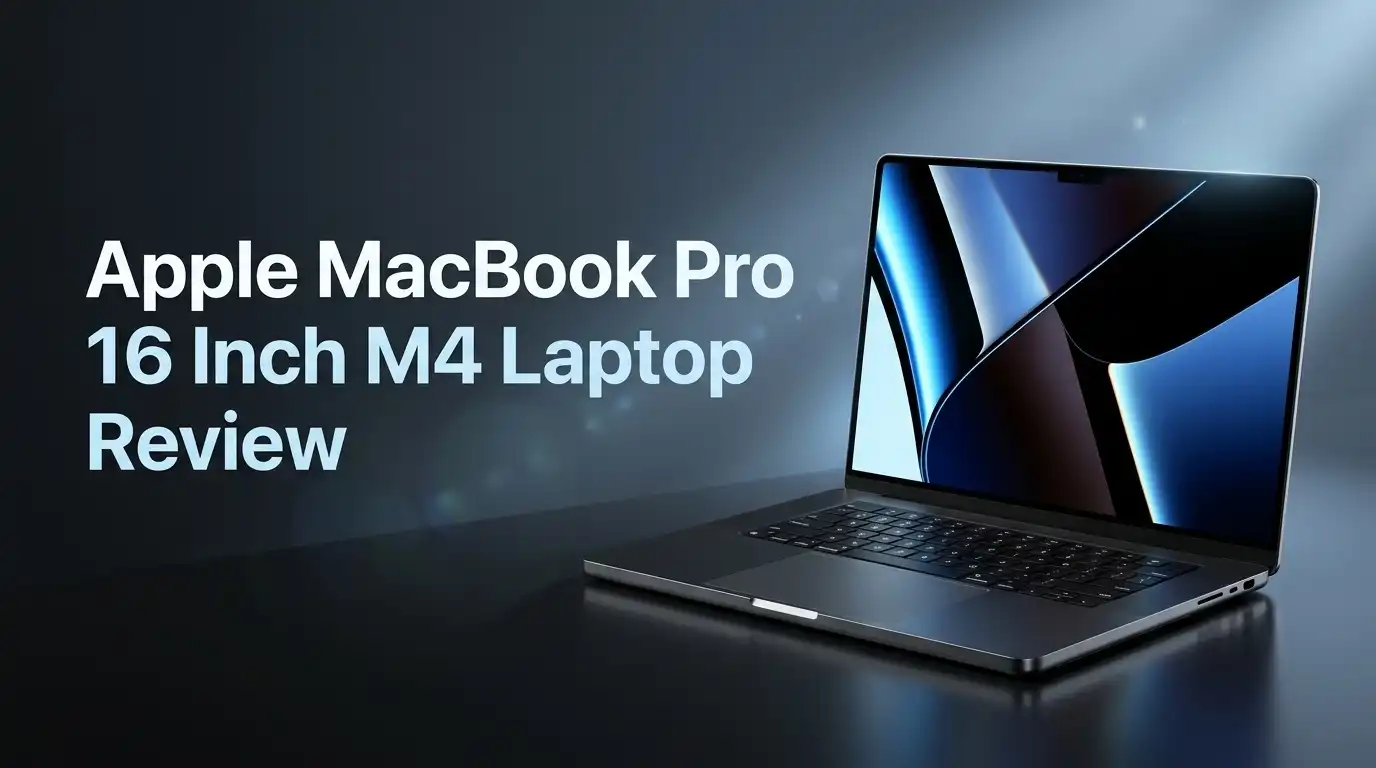
Apple MacBook Pro 16 Inch M4 Laptop Review 2026: Still Worth It?
Apple’s 16 inch MacBook Pro with the M4 Pro chip arrived as a quiet monster. It looked identical to the model before it, yet it rewrote the rules for speed and battery life in a single release.
Now that the M5 generation sits on store shelves, this machine has slipped into an interesting new position. Prices have dropped. Stock still exists. Reviews have piled up from real owners instead of launch day hype.
This review covers everything, including the parts Apple would rather you skip. You get the speed numbers, the battery truth, the weak spots, and three strong alternatives. Read on before you spend thousands on a laptop that might be more machine than you actually need.
Key Takeaways:
- Performance still beats most new Windows laptops. The M4 Pro scored around 22,822 in Geekbench 6 multicore testing, which is more than double the premium laptop average. It even edged past the older M3 Max. A 2024 chip that still wins fights in 2026 is rare, and that fact alone makes this laptop worth a serious look.
- Battery life is the real headline. Independent lab testing recorded 20 hours and 46 minutes of web browsing on one charge. Apple rates it at up to 24 hours of video streaming. Heavy exports will cut that down hard, but light work genuinely lasts two full days.
- The display stays near the top of the class. The 16.2 inch Liquid Retina XDR panel hits roughly 565 nits in normal use and over 1,100 nits for HDR content, with a smooth 120Hz refresh rate.
- Price is now the strongest argument. The M4 Pro model launched at $2,499 while the newer M5 Pro 16 inch starts at $2,699. Discounts of several hundred dollars appear regularly on the M4 version.
- It is not perfect. No touchscreen, no Face ID, weak gaming support compared with Windows rivals, and brutally expensive memory and storage upgrades.
- Best for creators and developers. Casual users will overpay for power they never touch.
Unboxing Experience: What Is Inside the Box?
The box feels heavier than you expect. Apple still uses that slow friction lift packaging, so the lid rises with a soft sigh instead of a pop. Inside, the laptop sits under a thin paper wrap, face up, with the Apple logo centered.
Lift it out and the weight registers immediately. At 4.7 pounds, this is a laptop you carry with intent. Under the machine you find two flat compartments.
One holds the braided MagSafe 3 cable in a color that matches your finish, which is a small touch that still delights. The other holds the 140W power adapter, a chunky brick with folding prongs.
That is the whole kit. No stickers in the modern boxes, no cleaning cloth unless you buy the nano texture screen, no USB C adapter. Apple assumes you already own your dongles. Setup took me under six minutes with iPhone proximity pairing.
Apple MacBook Pro 16 Inch M4 Laptop: Full Overview

- SUPERCHARGED BY M4 PRO OR M4 MAX — The 16-inch MacBook Pro with the M4 Pro or M4 Max chip gives you outrageous performance in a powerhouse laptop built for Apple Intelligence.* With all-day battery life and a breathtaking Liquid Retina XDR display with up to 1600 nits peak brightness, it’s pro in every way.*
- CHAMPION CHIPS — The M4 Pro chip blazes through demanding tasks like compiling millions of lines of code. M4 Max can handle the most challenging workflows, like rendering intricate 3D content.
Some of the links on this website are affiliate links, which means that at no additional cost to you, I earn a commission if you click through and make a purchase. I only recommend products and services that I believe will add value to my readers. Thank you for your support!
This laptop comes in two chip families. The M4 Pro version starts with a 14 core CPU, a 20 core GPU, 24GB of unified memory, and 512GB of storage. The M4 Max version jumps to a 14 or 16 core CPU, up to a 40 core GPU, and 36GB of memory at its base.
Memory bandwidth nearly doubled over the M3 Pro generation, moving from 150GB/s to 273GB/s. That change matters for video timelines and local AI models more than raw clock speed does.
The screen measures 16.2 inches at 3456 x 2234 pixels with ProMotion up to 120Hz. The chassis measures 14 x 9.77 x 0.66 inches. You get three Thunderbolt 5 ports, HDMI 2.1, an SDXC slot, a headphone jack, and MagSafe 3. Colors are space black and silver. The space black finish hides fingerprints everywhere except the glossy logo.
Design and Build Quality: Does It Still Feel Premium?
Apple has not changed this shape since 2021, and honestly it did not need to. The unibody aluminum shell resists flex completely. Press the center of the keyboard deck and nothing moves. Open the lid with one finger and the hinge holds any angle you pick.
The 16 inch model is thick by modern standards at 0.66 inches. That thickness is a feature, not a flaw. It gives the cooling system room to breathe, which is why this laptop stays quiet while rivals scream.
My one real complaint involves the vents. The slots along the sides and rear catch my fingertips when I lift the machine off a desk. It is minor, but I notice it daily.
The bottom panel has “MacBook Pro” etched into the metal, a detail that still feels expensive three generations later. Rubber feet keep it planted on glass and wood alike.
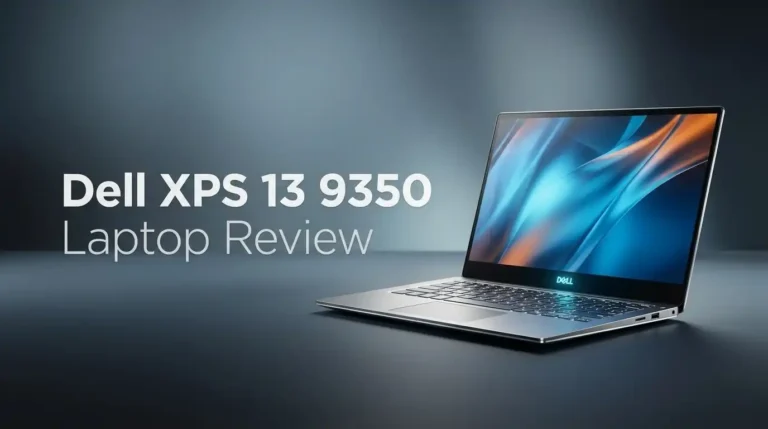
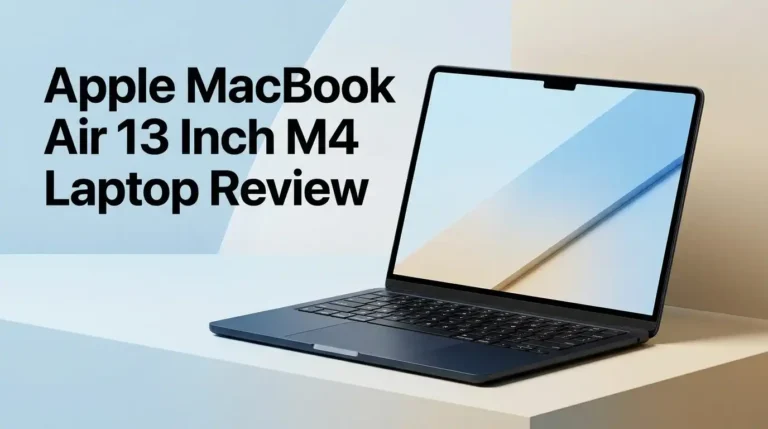
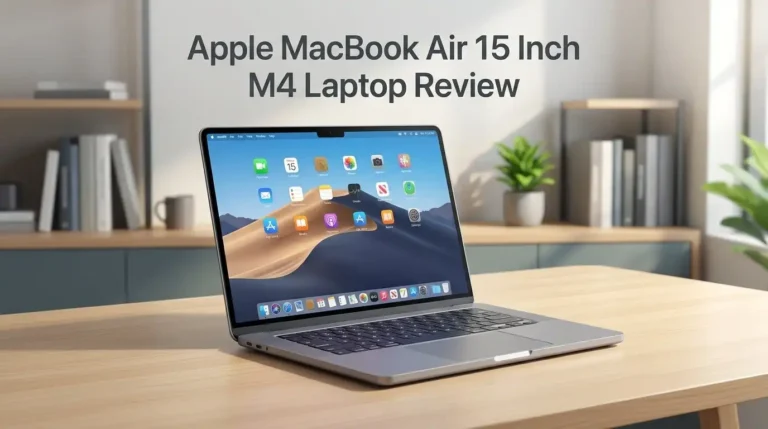
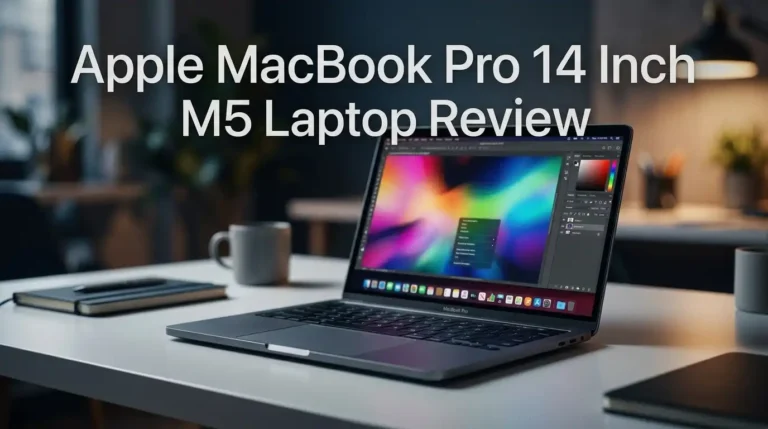
Top 3 Alternatives for Apple MacBook Pro 16 Inch M4

- SUPERCHARGED BY M4 — The 14-inch MacBook Pro with M4 chip gives you spectacular performance in a powerhouse laptop built for Apple Intelligence.* With all-day battery life and a breathtaking Liquid Retina XDR display with up to 1600 nits peak brightness, it’s pro in every way.*
- CHAMPION CHIP — The M4 chip brings spectacular speed and capability to blaze through everyday activities and multitask across multiple productivity and pro apps.
Some of the links on this website are affiliate links, which means that at no additional cost to you, I earn a commission if you click through and make a purchase. I only recommend products and services that I believe will add value to my readers. Thank you for your support!
Apple MacBook Pro 14 Inch M4

- SPEED OF LIGHTNESS — MacBook Air with the M4 chip lets you blaze through work and play. With Apple Intelligence,* up to 18 hours of battery life,* and an incredibly portable design, you can take on anything, anywhere.
- SUPERCHARGED BY M4 — The Apple M4 chip brings even more speed and fluidity to everything you do, like working between multiple apps, editing videos, or playing graphically demanding games.
Some of the links on this website are affiliate links, which means that at no additional cost to you, I earn a commission if you click through and make a purchase. I only recommend products and services that I believe will add value to my readers. Thank you for your support!
Apple MacBook Air 15 Inch M4

- ULTRA-THIN 14.9MM DESIGN — Featuring a new design, the Blade 16 is up to 30% smaller and 12% lighter for greater mobility and upgraded with an improved keyboard offering 1.5 mm of travel for more satisfying feedback
- NVIDIA GEFORCE RTX 5080 LAPTOP GPU — Pushing up to 160 W TGP in a low profile chassis, get more raw performance per cubic-inch than any other 16 inch gaming laptop; paired with the AI power of NVIDIA DLSS 4, enjoy more high-quality frames in the games
Some of the links on this website are affiliate links, which means that at no additional cost to you, I earn a commission if you click through and make a purchase. I only recommend products and services that I believe will add value to my readers. Thank you for your support!
Razer Blade 16 Gaming Laptop
Liquid Retina XDR Display: How Good Is The Screen?
Apple skipped the OLED trend here and stuck with mini LED backlighting. That choice pays off in brightness. Lab tests measured roughly 565 nits for standard content and over 1,100 nits peak for HDR, which crushes the premium laptop average of about 434 nits.
Color accuracy lands near 0.27 Delta E, meaning what you edit is what viewers see. The panel covers about 115% of sRGB. Pure OLED screens beat it on DCI P3 coverage and inky black levels, so colorists chasing absolute black depth will notice the gap.
The 120Hz ProMotion refresh makes scrolling and timeline scrubbing feel liquid. Drop to 60Hz and you immediately miss it.
The nano texture option costs an extra $150 and it is worth every dollar if you work near windows. It kills glare without dulling color. The glossy standard panel looks punchier indoors but mirrors every lamp behind you.
M4 Pro and M4 Max Performance: How Fast Is It Really?
This is where the money goes. The base M4 Pro returned a Geekbench 6 score near 22,822, beating last year’s M3 Max and doubling the typical premium Windows laptop. A 4K video conversion that takes an average laptop over six minutes finished in 2 minutes and 38 seconds.
Storage speed is absurd. Read speeds hit roughly 5,353 MBps and write speeds reached 6,640 MBps. Copying a 40GB project folder felt instant.
In daily use I never found the ceiling. Photoshop files with 60 layers open without hesitation. Premiere Pro scrubs 4K multicam footage without proxies. Xcode builds that crawled on my old Intel machine now finish before my coffee cools.
Heat stays shockingly low, around 90 degrees Fahrenheit under load. The fans rarely spin up at all. Most owners will never hear this laptop make a sound.
Battery Life: Can It Last A Full Work Day?
Yes, and then some. Independent testing clocked 20 hours and 46 minutes of continuous web browsing at 150 nits. Apple claims up to 24 hours of video streaming from the 100 watt hour battery.
Let me add honesty here. Those numbers describe light work. Real owners report very different figures depending on load. Email, documents, and browsing deliver 12 to 16 hours comfortably. Sustained video exports or 3D renders drain the battery in 4 to 6 hours, sometimes faster with the M4 Max.
The important part is consistency. This laptop runs at full speed on battery power, unlike most Windows machines that throttle hard once unplugged. That single behavior changes how you work on planes and in cafes.
Fast charging brings it to 50% in about 30 minutes with a 96W or stronger adapter. I stopped carrying my charger on day trips entirely.
Keyboard and Trackpad: Comfortable For Long Sessions?
The Magic Keyboard remains one of the best typing surfaces on any laptop. Key travel sits around 1mm with a crisp bottom out that never feels mushy. I measured 91 words per minute at 99% accuracy on a standard typing test, slightly above my normal pace.
Backlighting adjusts automatically and stays even across every key. Touch ID lives in the top right corner and unlocks the machine instantly, though it cannot match the convenience of face unlock.
The trackpad measures 6.25 x 3.9 inches, which is enormous. Force Touch simulates a physical click through haptics, so it clicks identically at the top edge and the bottom edge.
Palm rejection is flawless, something Windows laptops still struggle with. Multitouch gestures feel natural after one afternoon. After years of testing, nothing in the PC world has matched this trackpad yet.
Ports and Connectivity: Enough For Professionals?
Apple fixed its port problem years ago and this model pushes further. The 16 inch version gets three Thunderbolt 5 ports, while the 14 inch M4 base model is limited to Thunderbolt 4. Thunderbolt 5 doubles bandwidth for external SSDs and high resolution monitor chains.
You also get HDMI 2.1 supporting 8K output, an SDXC card slot for camera footage, a 3.5mm headphone jack with high impedance support, and MagSafe 3 charging that frees your other ports.
The M4 Pro drives two external displays. The M4 Max drives up to four.
What is missing? No USB Type A port and no Ethernet jack. Photographers with older card readers and offices with wired networks will need a dock. WiFi 6E and Bluetooth 5.3 handle wireless duties here, while the newer M5 models moved to WiFi 7. For most studio setups, the port selection covers everything without a hub.
Webcam, Microphones and Speakers: Good For Meetings?
The 12MP Center Stage camera is genuinely the best laptop webcam I have tested. It captures accurate skin tones and handles harsh backlighting without blowing out your face. Center Stage keeps you framed if you move, and Desk View shows your desk surface using the same lens.
The three microphone array sounds close to a dedicated USB mic. Voice Isolation cuts keyboard clatter out of calls almost completely.
Then there are the speakers. Six drivers with force cancelling woofers produce sound that seems to float above the laptop rather than come from it. Bass actually exists here, which almost no laptop manages. Spatial Audio works with Dolby Atmos content and head tracking kicks in with AirPods.
I watched an entire film on a hotel bed without reaching for headphones. That sentence does not apply to any other laptop I own.
Gaming Performance: Can You Play AAA Titles?
Let me be direct. Buy a Windows gaming laptop if gaming is your priority. The M4 Pro handles games competently but inconsistently. Testing showed 98 fps in Civilization VI, 79 fps in Shadow of the Tomb Raider, and only 43 fps in Borderlands 3 at 1080p.
Those numbers look fine until you compare them with a similarly priced Windows machine carrying a dedicated NVIDIA GPU, which doubles the frame rate in several titles.
The real limit is the library. macOS gaming has improved with titles like Cyberpunk 2077, Death Stranding Director’s Cut, Resident Evil Village, and Assassin’s Creed Shadows arriving natively. Still, thousands of PC games simply do not run here.
Hardware ray tracing works and looks good when developers support it. For casual evening gaming between work sessions, this laptop is more than enough. For competitive or library wide gaming, it is the wrong purchase.
What The MacBook Pro 16 Inch M4 Does Not Do Well
Authentic reviews name the flaws, so here they are without softening.
Upgrade pricing is punishing. Doubling memory from 24GB to 48GB costs $400. Moving to a 2TB SSD costs $600. These parts are soldered, so you buy right the first time or live with your choice forever.
No Face ID in 2026 feels stingy on a laptop costing more than most used cars. Touch ID works, but iPhones unlock faster.
No touchscreen continues to be an Apple position rather than a technical limit.
Repairability is poor. Nothing is user serviceable. A failed SSD means a logic board replacement.
Weight matters. At 4.7 pounds plus a 140W brick, this is not a backpack friendly machine for daily commuters.
Software compatibility also trips some buyers. Certain enterprise tools, CAD packages, and plugins still run better on Windows. Check your critical apps before you buy.
Pros and Cons
Pros
- Outstanding performance that still outruns most 2026 Windows laptops in CPU heavy creative work
- Battery life near 21 hours in browsing tests with no speed loss when unplugged
- Extremely bright Liquid Retina XDR display with 120Hz ProMotion and accurate color
- Three Thunderbolt 5 ports plus HDMI, SDXC, and MagSafe 3 for a complete port selection
- Best in class webcam and six speaker audio system for meetings and media
- Near silent cooling that keeps surface temperatures comfortable under heavy load
- Strong resale value compared with every Windows competitor
- Zero bloatware and long macOS support timelines
Cons
- Memory and storage upgrades cost far too much and cannot be changed later
- No Face ID and no touchscreen at a premium price point
- Gaming library remains limited compared with Windows machines
- 4.7 pound weight makes daily travel tiring
- Vent edges catch fingers when lifting the laptop
- Repairs require Apple service for nearly every component
Price and Value in 2026: Is It Worth Buying Now?

- SUPERCHARGED BY M4 PRO OR M4 MAX — The 16-inch MacBook Pro with the M4 Pro or M4 Max chip gives you outrageous performance in a powerhouse laptop built for Apple Intelligence.* With all-day battery life and a breathtaking Liquid Retina XDR display with up to 1600 nits peak brightness, it’s pro in every way.*
- CHAMPION CHIPS — The M4 Pro chip blazes through demanding tasks like compiling millions of lines of code. M4 Max can handle the most challenging workflows, like rendering intricate 3D content.
Some of the links on this website are affiliate links, which means that at no additional cost to you, I earn a commission if you click through and make a purchase. I only recommend products and services that I believe will add value to my readers. Thank you for your support!
Here is the timing picture. The M4 Pro 16 inch launched at $2,499 and the M4 Max version at $3,499. In March 2026 Apple released the M5 Pro and M5 Max models, and the 16 inch M5 Pro now starts at $2,699 while the M5 Max starts at $3,899.
That price increase changed the math. The M4 generation now sells at steady discounts, with retailers cutting $200 to $800 depending on configuration. You can often land an M4 Pro for well under $2,200.
The M5 chips bring faster AI processing, larger base storage, and WiFi 7. Those gains matter if you run local language models daily.
For video editing, code compiling, music production, and photography, the M4 Pro delivers nearly identical real world speed at a lower price. Buying last generation has rarely made this much sense.
Final Verdict: Should You Buy It?
The 16 inch MacBook Pro M4 earns a confident recommendation with clear boundaries. Buy it if you edit video, compile code, produce music, or handle large photo libraries. Buy it if you want a laptop that lasts a full work day and still feels fast in five years.
Skip it if you mainly browse, write, and stream. The MacBook Air M4 does that for half the money and weighs two pounds less. Skip it if gaming drives your purchase, because Windows wins that category outright.
My rating: 4.6 out of 5. Points come off for upgrade pricing and the missing Face ID, not for anything the hardware does wrong.
This laptop does almost everything better than its competition, and it does the important things better than its own successor can justify at current prices. That is a strange and genuinely rare compliment.
Frequently Asked Questions
Is the MacBook Pro 16 inch M4 still worth buying in 2026?
Yes, for most professional users. The M5 generation is faster in AI tasks, but the M4 Pro handles video editing, development, and design work at nearly the same speed. With current discounts, the M4 model often costs $500 or more less than an equivalent M5 configuration. That saving buys a lot of storage or a second monitor.
How much memory should I choose?
Choose 24GB if you work with documents, code, photos, and 1080p video. Choose 48GB if you edit 4K or 8K footage, run virtual machines, or load local AI models. Memory cannot be upgraded later, so pick carefully. Storage is easier to supplement with a fast Thunderbolt 5 external drive at a fraction of Apple’s prices.
What is the real battery life during heavy work?
Light browsing and writing deliver 12 to 20 hours. Video exports, 3D rendering, and sustained compiling cut that to roughly 4 to 7 hours. The M4 Max drains faster than the M4 Pro under load. Battery health stays strong for most owners past 500 cycles, and fast charging reaches 50% in about 30 minutes.
Does the M4 Pro or M4 Max suit video editors better?
The M4 Pro suits most editors working in 4K with standard effects. The M4 Max matters for 8K timelines, heavy color grading in DaVinci Resolve, and complex motion graphics, because it adds media engines and GPU cores. If your current renders already finish quickly, the Pro chip saves you a thousand dollars.
Can it replace a desktop workstation?
For many creators, yes. It drives two external displays with the M4 Pro and four with the M4 Max. Thunderbolt 5 supports fast external storage arrays and docking stations. Heavy 3D rendering and machine learning training still favor desktop GPUs, so check your workload before replacing a tower.
Is the nano texture display upgrade worth $150?
It is worth it if you work near windows, outdoors, or under bright overhead lighting. The coating removes glare without visibly reducing sharpness or color accuracy. If you work in controlled indoor lighting, the standard glossy panel looks slightly more vivid and saves you money.

Welcome to The File Fix. I’m Millie, and I review tech so you don’t have to suffer buyer’s remorse.
Navigating the endless sea of Amazon devices and gadget releases can feel like a full-time job. That’s why I do the heavy lifting. I dig past the unreliable 5-star reviews and shiny spec sheets to test how these devices actually hold up in the real world. Whether you’re looking for the best budget earbuds, a reliable power bank, or the latest smart home gear, you’ll find honest, no-nonsense breakdowns here.